

Create a more consistent pricingexperience
Improve quote accuracy by providing all sales channels with pre-set pricing for products and services.











Improve quote accuracy by providing all sales channels with pre-set pricing for products and services.

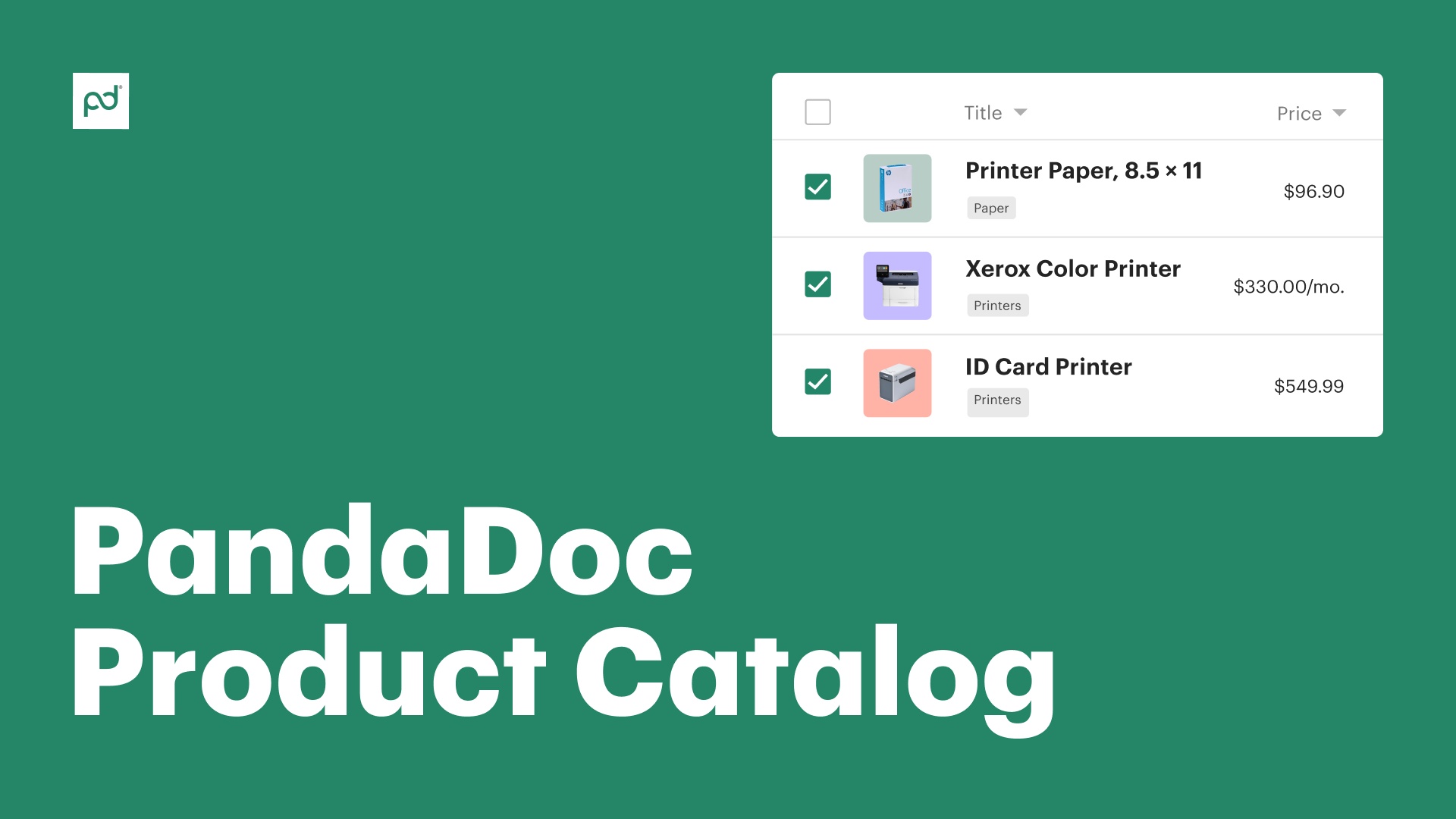
Add images, pricing, and other product details to each listing so that reps fully understand each line item.

Leverage API tools, templates, and bundles to improve catalog management and expedite quoting processes.

Eliminate customer confusion and create a better user experience with more accurate product data. Add pricing information to your product listings so that quote totals are always accurate. Use fixed-fee, volume-based, or recurring pricing options to ensure that all services, goods, and digital assets are accurately accounted for.

Consolidate your products and services into a single, online catalog. Add product bundles and unique pricing configurations. Use onboard pricing tables to add catalog data to your sales documents in real time.

In PandaDoc, critical product details like product descriptions and cost are included in the pricing tables you add to quotes and proposals.
This provides a more powerful customer experience and can include branded images and product descriptions for each catalog item so buyers understand every component of your proposed solution.

Stay organized with product catalog management tools. With PandaDoc, you can easily import product information using CSV files or API tools, then categorize and bundle items to quickly generate quotes.

PandaDoc is making this so much more efficient than it once was. The Hiring Packages are a breeze to send to candidates… this would’ve been a time-consuming administrative burden if it weren’t for PandaDoc.

Kelsey Boyd
Kelsey Boyd Directrice Systèmes et processus commerciaux chez TPD

Sales teams


How to use the product catalog
Use the Pandadoc product catalog to store all of your products and services in one place. Quickly add, configure, and organize all catalog items inside a single, user-friendly interface.

Add volume discounts to catalog items
Use rule-based configurations to create discounts according to product volume. Add discount percentages and quantity minimums that apply to specific products automatically.

Import and export your catalog via CSV
Starting from scratch? Need to make major changes to your existing catalog? Use CSV files for fast data entry.
A product catalog is a place where you can store all your products and services.
When it comes to creating a proposal or a quote, reps can choose product items from the product catalog instead of creating them from scratch.
As part of your catalog management process, you’ll need to add new products (or remove old ones) and ensure that product information is up to date.
While similar, product catalogs and PIM systems are designed to do two different things.
A product catalog is primarily focused on presenting product information to customers. It will include essential details (name, description, image, etc.), but it’s largely limited in scope to cover sales and marketing needs.
On the other hand, a PIM is designed to store deep product information from distributors, manufacturers, and supply chains that is often only available for internal use. PIMs may also connect to ERP and inventory management systems, while product catalogs often lack those features.
While neither system is equipped to manage inventory levels or the customer-facing aspects of retail and e-commerce businesses, both solutions can play a key role in creating a consistent omnichannel experience.
There are three ways to create a product catalog with PandaDoc.
The simplest solution is to add all products one at a time. Once the listing is created, teams will need to add product descriptions, images, and pricing information to each entry.
For power users, this can also be done using a spreadsheet. Administrators can use Google Sheets or Microsoft Excel to create a CSV file containing all relevant product information and upload that to PandaDoc. While more complex, this approach eliminates time-consuming processes while allowing for a similar level of asset management.
Developers can also add information using the PandaDoc API. This approach allows for a level of automated catalog management that isn’t otherwise possible.
Note that the type of catalog you create is determined by the products and services you add. For example, if you wanted to create a software product catalog, you would need to list each software in your catalog as its own item.
For sales teams that need to create bespoke solutions, the product catalog can be highly useful!
Using the onboard tools, inside sales teams can create line items quotes for specific products, services, and software offered via an online store. These quotes, along with some kind of sales proposal, can heavily influence customer purchasing decisions.
However, teams operating in conjunction with e-commerce platforms like Shopify or digital retailers like Amazon may only see limited value. Product catalogs aren’t a replacement for a standard product page, which is more common in a self-service, web-based environment.
You may not need it! PandaDoc integrates with a variety of CRM solutions.
If your CRM offers product catalog management services, like Salesforce, PandaDoc can often receive that information directly from your current catalog.
In that case, you’ll continue to manage your products in your existing platform and use the integration to import those details into your PandaDoc-built proposals and quotes.
The product catalog feature is available on any paid PandaDoc plan, but some advanced features are only available through our Enterprise plan or with the PandaDoc CPQ add-on.