Help centerLog inHelp center
Mobile Site Logo
Desktop Site Logo
    • Platform

      • Product overview
      • Contract Management
      • CPQ
      • Enterprise
    • Features

      • Image - Document generation - Icon
        Document generationAutomate document creation with customizable templates
      • Image - Payments - Icon
        PaymentsGenerate error-free quotes
tailored for every buyer
      • Image - Deal room - Icon
        Deal RoomsCollaborate and close deals in one personalized deal room
      • Image - Smart content - Icon
        Smart contentAdapt documents to the recipient's requirements
      • All features
    •  

      • automation icon
        Workflow AutomationsStreamline your workflow and reduce manual tasks
      • Approval workflow
        Approval workflowSimplify internal sign-offs before document delivery
      • Workspaces
        WorkspacesDistribute content across teams and departments
      • Tracking & analytics
        Tracking & analyticsGet insights into how users interact with your document
      • All features
    • Request a demo
    • Contact sales
    Product (Dropdown) - Featured Image
    Compare
    • vs DocuSign
    • vs Dropbox Sign
    • vs Adobe Sign
    • vs Proposify
    • View more
    • Image - Use case - Icon

      Use case

      • eSignatures
      • Proposals
      • Contracts
      • Quotes
      • Payments
      • All use cases
    • Image - Industry - Icon

      Industry

      • Software & technology
      • Professional services
      • Education
      • Healthcare
      • Construction
      • All industries
    • Image - Team - Icon

      Team

      • Sales
      • HR
      • Marketing
      • Customer success
      • Legal
      • All teams
    • Request a demo
    • Contact sales
    Customer stories
    • Image - Solution dropdown - Autodesk
      Autodesk now tracks sales metrics across its entire org
    • Image - Solution dropdown - Nomad
      Nomad cut customer acquisition costs by 20%
    • Image - Solution dropdown - TheKey
      TheKey saves 3,000 hours per year using PandaDoc
    • All customer stories
    • Sales and CRM

      • Hubspot
        Hubspot
      • Salesforce
      • pipedrive
        Pipedrive
      • Monday Logo
        Monday
    • Payment gateways

      • Square Logo
        Square
      • Stripe
        Stripe
      • Authorize Logo
        Authorize.net
      • Paypal Logo
        PayPal
      • QuickBooks Logo
        QuickBooks Payments
      • FreshBooks Logo
        FreshBooks
    • Collaboration and more

      • Zapier
      • Greenhouse
      • QuickBooks Logo
        QuickBooks
      • Slack Logo
        Slack
      • All integrations
    • API
    • Documentation
    Integration (Dropdown) - Featured Image
    CPQ Solutions
    • pipedrive
      Pipedrive CPQ
    • Hubspot
      Hubspot CPQ
    • Salesforce CPQ
      Salesforce CPQ
    • Image - Learn- Icon

      Learn

      • Customer stories
      • Blog
      • Templates
      • Webinars
      • Learning academy
      • Security
      • Resource library
      • AI Skills Lab
    • Image - Support - Icon

      Support

      • Help center
      • Contact us
      • Onboarding services
      • Professional services
      • Premium support
      • Partner Directory
    • Image - Developers - Icon

      Developers

      • API
      • Document embedding
      • Documentation
    • Request a demo
    • Contact sales
    Resources (Dropdown) - Featured Image
    Security & Compliance
    • Signature certificate
    • Two-factor authentication
    • HIPAA compliance
    • View more
  • API
  • Pricing
Request a demoStart a trialRequest a demo

AUDIT TRAIL

Keep track of document changes with an audit trail & history

Every document has a history. Keep track of user activity and key events with real-time tracking tools that ensure regulatory compliance.

Request a demo
Start free 14-day trial

No credit card required

The Best
Audit Trail

Over 68,000 businesses track documents and stay compliant with PandaDoc

Autodesk
Boeing
SGS
AOL
Konika Minolta
Rakuten
TomTom
HP
PepsiCo
Zoetis
Bonusly
Chick-fil-A

What is an audit trail?

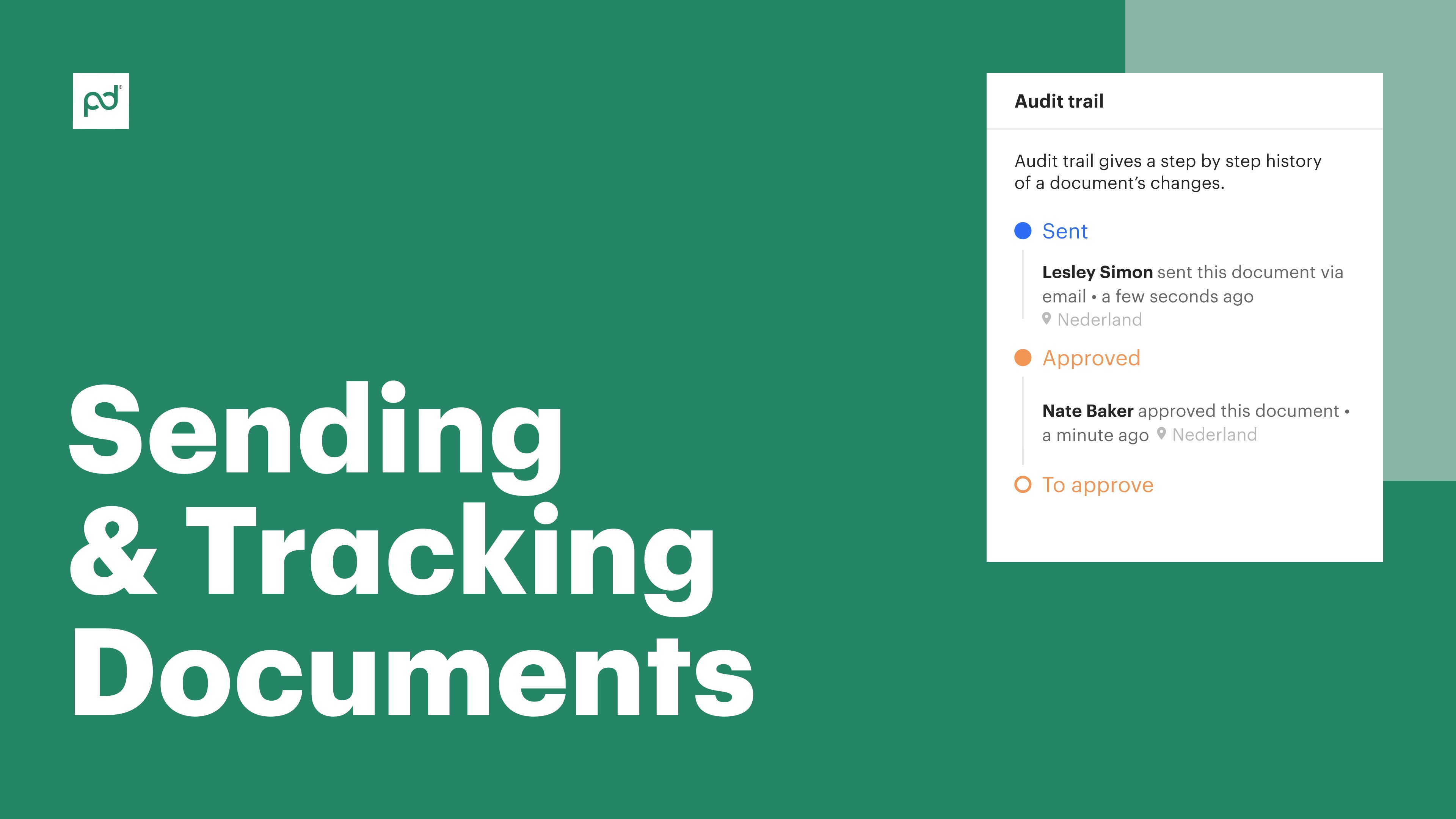
An audit trail is a step-by-step history of every action taken on a document, from creation to completion.

Typically, audit logs contain timestamps, user identification, and detailed records of user activities over the lifespan of the document. This may include accessing a document, adding or deleting text, e-signing a document, and more.

Audit trail data can also be broken into multiple components, like a data access log or a version history tool that records specific user activity. This subdivision of user activity can be useful during internal audits or when working to meet specific regulatory requirements.

At PandaDoc, audit trails also provide a step-by-step history of document status changes. Use these designations to better understand where your document sits within your pipeline and what actions need to be taken to move it toward completion.

See the story behind your document

Know when documents are accessed

Know when documents are accessed

Show potential customers what they’re buying. Accelerate purchasing decisions by presenting costs with clarity.

Learn how collaborators engage with documents

Learn how collaborators engage with documents

Use audit trail records to check for document edits, suggestions, and unresolved issues prior to e-signing.

Stay compliant with HIPAA, NIST, and others

Stay compliant with HIPAA, NIST, and others

Validate user access to sensitive information while aligning with cybersecurity best practices.

Manage document workflows precisely

Track recipient behavior

Want to know what happens after you hit send?

With PandaDoc, you can see exactly how recipients are interacting with your documents and what sequence of events moves the deal down the pipeline.

If the process stalls, audit trail information can help you follow up at the right time and push the deal over the finish line.

Boost data security

Consolidated audit trails and electronic records are a great way to keep your sensitive data secure.

PandaDoc audit trails act like a security camera for your documents, so you’ll always have a record of who accessed or changed your documents.

Combine this information with internal controls to restrict access or limit document functionality for unauthorized users.

Comply with industry regulations

Say goodbye to compliance headaches.

The recordkeeping and ledger entries provided by an audit trail make it easy to align with strict industry standards, even in critical areas like healthcare and finance.

Because every document has a detailed record of all activity, you’ll always be ready for external audits and regulatory checks.

Optimize document workflows

Optimize document workflows

Make your document process smoother and faster by identifying bottlenecks.

As documents move through your organizational pipeline, use audit trail data to find trouble spots in your process and speed things up.

Streamline approvals, simplify routing, and discover automation opportunities without compromising access control or information security.


  • Badge 1
  • Badge 2
  • Badge 3
  • Badge 4
  • Badge 5
  • Badge 6
  • Badge 7
  • Badge 8
  • Badge 9
  • Badge 10
  • Badge 11

Learn how to use audit trails

Video thumbnail
Kelsey Boyd

Kelsey Boyd

Director of Business Systems & Processes

Kelsey Boyd brand

PandaDoc is making this so much more efficient than it once was. The Hiring Packages are a breeze to send to candidates… this would’ve been a time-consuming administrative burden if it weren’t for PandaDoc.

Kelsey Boyd

Kelsey Boyd

Director of Business Systems & Processes

Read full story

Where audit trails matter most

Contract Analytics

Proposals

Even though proposals are about making a great impression, it can be difficult to know how and when to follow up.

With audit trails, you see who viewed your proposals, when they saw them, and which sections they’re most interested in.

Use those insights to tailor your follow-up. Address specific pain points, and increase your chances of closing the deal.

Document Workflow Team

Contracts

Contracts are serious business. It’s important to know who’s making changes and when.

Audit trails in PandaDoc give you a clear picture of every edit, approval, status change, and electronic signature. This approach ensures that everyone is on the same page about critical business activities and helps prevent disputes and misunderstandings during negotiations.

You can even combine audit trails with other PandaDoc tools like user authentication and ID challenges so that only authorized users access critical documents.

Document Workflow Quote

Quotes

In many business relationships, a quote is a starting point for larger negotiations.

With an audit trail, you can gain a better understanding of how stakeholders are interacting with your document and who might be operating behind the scenes.

Change your approach based on evolving information so that you’re always prepared to offer the best deal.

Workflow Settings

Sensitive documents

Essential documents like purchase orders and financial statements often contain confidential information.

Audit trails can provide access logs so that you have a clear understanding of who accessed your document and when.

Combined with other tools, audit trails are a great way to secure financial information and plug holes in the distribution process.

Who uses audit trails?

  • Sales

    Sales

    For sales teams, timing is everything.

    Audit trails boost buyer retention and keep deals moving by showing teams exactly when to follow up with prospects.

    See who viewed your sales documents and what they’re interested in so that you can personalize your pitch and close deals fast.

    Learn more
    Sales
  • Legal

    Legal

    In legal work, teams need to account for every detail.

    The types of audit trails available in PandaDoc offers audit trails to give teams a clear record of all contract activity, making it easy to know where negotiations stand with all parties.

    Learn more
    Legal
  • HR

    HR

    From offer letters and employee handbooks to compliance documents and tax forms, HR handles a ton of sensitive information.

    Audit trails can help track every document interaction and maintain compliance with both labor and employee privacy laws.

    Learn more
    HR
  • Operations

    Operations

    Audit trails can help operations teams analyze document workflows, identify bottlenecks, and optimize processes for maximum efficiency.

    This can lead to faster turnaround times and improved productivity across the board for all documents.

    Learn more
    Operations

Learn more about audit trails and history

Link: Learn more
What is an audit trail?

What is an audit trail?

Learn more
Link: Learn more
How to use audit trails inside PandaDoc

How to use audit trails inside PandaDoc

Learn more
Link: Learn more
Power up audit trails with document tracking software

Power up audit trails with document tracking software

Learn more

See the story behind every document

Get personalized 1:1 demo with our product specialist.

  • Tailored to your needs

  • Answers all your questions

  • No commitment to buy

Chili Piper

ChiliPiper increased their close rate by 28% after implementing PandaDoc.

Schedule your free live demo

  1. 1Fill out the form
  2. 2Book a time slot
  3. 3Attend a demo

By submitting this form, I agree that theTerms of ServiceandPrivacy Noticewill govern the use of services I receive and personal data I provide respectively.

Frequently asked questions

  • An audit trail is a history of your document’s journey through the organizational lifecycle.

    With it, you can see how documents were handled, when their status changed, and how certain issues were resolved.

    Keeping track of these changes can help teams identify outstanding issues, keep teams aligned, and provide an opportunity to improve future processes.

  • Audit trails comprise a large umbrella of functionality, including the ability to record user IDs and track document activity.

    PandaDoc splits these capabilities across a number of tracking tools, including each of the following:

    • Audit trails

    • Version history

    • Comments and suggestions

    • Document analytics

    This toolkit can also be combined with additional security features like 2FA and ID challenges to further secure key information like financial data or business activity.

  • Sure! Take a look at our support documentation for a closer look at a document audit trail. This feature is visible on the right sidebar and organizes activity by document status.

    Other tracking features, including document analytics and version history are also available within PandaDoc, but are found in separate locations.

  • Unfortunately, no.

    Our audit trail software is integrated into the full PandaDoc platform and can’t be exported separately.

    However, it’s possible to download digital signature certificates for signed documents, which offers some unique, identifying information about signers.
Product
  • Pricing
  • Integrations
  • Features
  • Updates
  • Security
  • HIPAA
Use cases
  • Proposals
  • eSignatures
  • Quotes
  • Contracts
  • Payments
  • Forms
  • Notary
  • API
  • CPQ
  • Deal Rooms
  • All use cases
Resources
  • Help center
  • Templates
  • Blog
  • Electronic signature law
  • How to guides
  • Developer center
  • System status
  • Onboarding services
  • Partner Directory
  • Recipes
  • AI Skills Lab
Compare
  • vs DocuSign
  • vs Dropbox Sign
  • vs Adobe Sign
  • vs Proposify
  • vs Docsend
  • All alternatives
Company
  • About us
  • Culture
  • Careers
  • Stand with Ukraine
  • Become a partner
  • Press
  • Contact us
  • Marketing Preferences

© 2026 PandaDoc Inc. All rights reserved.

Privacy Notice
    Legal
        Accessibility Statement
          Do Not Sell My Personal Information
            AI Information