Help centerLog inHelp center
Mobile Site Logo
Desktop Site Logo
    • Platform

      • Product overview
      • Contract Management
      • CPQ
      • Enterprise
    • Features

      • Image - Document generation - Icon
        Document generationAutomate document creation with customizable templates
      • Image - Payments - Icon
        PaymentsGenerate error-free quotes
tailored for every buyer
      • Image - Deal room - Icon
        Deal RoomsCollaborate and close deals in one personalized deal room
      • Image - Smart content - Icon
        Smart contentAdapt documents to the recipient's requirements
      • All features
    •  

      • automation icon
        Workflow AutomationsStreamline your workflow and reduce manual tasks
      • Approval workflow
        Approval workflowSimplify internal sign-offs before document delivery
      • Workspaces
        WorkspacesDistribute content across teams and departments
      • Tracking & analytics
        Tracking & analyticsGet insights into how users interact with your document
      • All features
    • Request a demo
    • Contact sales
    Product (Dropdown) - Featured Image
    Compare
    • vs DocuSign
    • vs Dropbox Sign
    • vs Adobe Sign
    • vs Proposify
    • View more
    • Image - Use case - Icon

      Use case

      • eSignatures
      • Proposals
      • Contracts
      • Quotes
      • Payments
      • All use cases
    • Image - Industry - Icon

      Industry

      • Software & technology
      • Professional services
      • Education
      • Healthcare
      • Construction
      • All industries
    • Image - Team - Icon

      Team

      • Sales
      • HR
      • Marketing
      • Customer success
      • Legal
      • All teams
    • Request a demo
    • Contact sales
    Customer stories
    • Image - Solution dropdown - Autodesk
      Autodesk now tracks sales metrics across its entire org
    • Image - Solution dropdown - Nomad
      Nomad cut customer acquisition costs by 20%
    • Image - Solution dropdown - TheKey
      TheKey saves 3,000 hours per year using PandaDoc
    • All customer stories
    • Sales and CRM

      • Hubspot
        Hubspot
      • Salesforce
      • pipedrive
        Pipedrive
      • monday.com
        Monday
    • Payment gateways

      • Square Logo
        Square
      • Stripe
        Stripe
      • Authorize Logo
        Authorize.net
      • Paypal Logo
        PayPal
      • QuickBooks
        QuickBooks Payments
      • FreshBooks Logo
        FreshBooks
    • Collaboration and more

      • Zapier
      • Greenhouse
        Greenhouse
      • QuickBooks
        QuickBooks
      • Slack Logo
        Slack
      • All integrations
    • API
    • Documentation
    Integration (Dropdown) - Featured Image
    CPQ Solutions
    • pipedrive
      Pipedrive CPQ
    • Hubspot
      Hubspot CPQ
    • Salesforce CPQ
      Salesforce CPQ
    • Image - Learn- Icon

      Learn

      • Customer stories
      • Blog
      • Templates
      • Webinars
      • Learning academy
      • Security
      • Resource library
      • AI Skills Lab
    • Image - Support - Icon

      Support

      • Help center
      • Contact us
      • Onboarding services
      • Professional services
      • Premium support
      • Partner Directory
    • Image - Developers - Icon

      Developers

      • API
      • Document embedding
      • Documentation
    • Request a demo
    • Contact sales
    Resources (Dropdown) - Featured Image
    Security & Compliance
    • Signature certificate
    • Two-factor authentication
    • HIPAA compliance
    • View more
  • API
  • Pricing
Request a demoStart a trialRequest a demo
Product
  • Pricing
  • Integrations
  • Features
  • Updates
  • Security
  • HIPAA
Use cases
  • Proposals
  • eSignatures
  • Quotes
  • Contracts
  • Payments
  • Forms
  • Notary
  • API
  • CPQ
  • Deal Rooms
  • All use cases
Resources
  • Help center
  • Templates
  • Blog
  • Electronic signature law
  • How to guides
  • Developer center
  • System status
  • Onboarding services
  • Partner Directory
  • Recipes
  • AI Skills Lab
Compare
  • vs DocuSign
  • vs Dropbox Sign
  • vs Adobe Sign
  • vs Proposify
  • vs Docsend
  • All alternatives
Company
  • About us
  • Culture
  • Careers
  • Stand with Ukraine
  • Become a partner
  • Press
  • Contact us
  • Marketing Preferences

© 2026 PandaDoc Inc. All rights reserved.

Privacy Notice
    Legal
        Accessibility Statement
          Do Not Sell My Personal Information
            AI Information
              • LinkedIn
              • Facebook
              • X

              What benefits does a pre-check application provide?‌

              A pre-check application is a soft credit check. It does not impact your existing credit score. It is simply a way for the lender to assess the likelihood that you are a good loan candidate. A pre-check application will also provide you with an estimated maximum dollar amount you can apply for in your official loan application, based on your income and credit history.

              ‌Once a pre-check loan application is processed, the second step will require you to complete a pre-approval loan application.

              ‌Attaining a pre-approved loan is a benefit to both you and the lender in the loan process. The pre-approval loan application will provide insight into your ability to potentially, ultimately, secure a loan. Many financial institutions require a loan candidate to be pre-approved through a pre-application stage before you submit your official loan application.

              How do I fill out a pre-approval loan application form?

              Once the pre-check — qualifying — loan application provides approval through a soft credit check, you will proceed with the pre-approval loan application. Each loan institute has specific criteria they will request from you to provide to them. The required criteria depend on the type of loan you are seeking to secure.

              The key to a successful pre-approval loan application is providing the specific criteria and documents, as required by the type of loan you are seeking. You can ensure a smoother, quicker loans process by

              • ‌Writing a professional, powerful presentation free of grammatical and punctuation errors

              • ‌Organizing your material

              • Striving for clarity and ease in delivering your information ‌

              Crucial elements to filling out a successful and glitch-free pre-approval loan application involve

              • demonstrating a timely response to any questions you are asked

              • providing clear, and meticulous, responses to questions

              • providing all the requested documents in an organized fashion

              • ‌providing clear details about your goals

              • advocating for the funding you are seeking with simple, clear, and richly informative responses ‌

              By doing so, you will increase your chances of success in securing a loan.

              How long does a pre-approval loan application take?

              ‌After submitting your pre-approval loan application, a standard email response is often sent to borrowers as confirmation that the institution received it. Official response times from loan institutions on the actual pre-approval loan application vary. Depending on the institution you made your pre-approval loan application to, factors affecting the response time include

              • whether you have an existing account with the loan institution

              • whether you are a new customer

              • ‌ if there are any specific pre-existing timelines for applications for the loan already established

              • how quickly you respond to any follow-up questions and clarifications requested by the loan institution

              Ensure that you respond quickly and provide all the information the loan institution requires because this will aid you in avoiding any unnecessary delays with your pre-approval loan application.

              FAQ

              How long does a pre-approved loan last?

              Once you are pre-approved for a loan, you will receive an official document. The document will provide details that will include the maximum dollar amount you are able to borrow, based on the information you provided. As a general rule, pre-approved loan confirmations are valid for 90 days.

              The timeline for the final stage in securing your loan will depend on the loan institution you are working with. In some cases, and pending the type of loan you are applying for, the loan institution will have specific deadlines. Failure to meet these timelines will risk your ability to secure the loan.‌

              Depending on the institution you made your pre-approved loan application to will dictate when the final step in the loan process will occur — that of officially securing the loan. With powerful document creation capabilities, you can better provide professional and personalized proposals in a timely fashion.

              What are loan pre-application‌ forms?

              Loan pre-application forms are often requested by institutions and organizations as a prerequisite for applying to secure a loan. Think of a pre-application loan form as a business proposal that requires clear, concise, and organized documentation for success. The type of loan you are applying for will dictate any additional information you may be required to provide.

              Generally, there are three steps to the loan process:

              1. ‌a pre-check or qualifying loan application

              • a pre-approval loan application

              • ‌the official loan application

              What are the 4 steps in the loan application process?

              The four most important steps in a loan application process are

              1. getting your finances in order and understanding how much can you borrow,

              2. selecting the right institutions/bank to apply for a loan,

              3. providing all important details and keeping documents necessary to apply for the loan, and

              4. going through with the loan and making necessary payments to keep credit score consistent.

              How do I prepare for a loan application?

              To prepare for a loan application, you must have a clear idea of what’s the loan amount you need, how do you plan to pay it back, which financial institution do you want the loan from, etc. Along with a loan application, you will also need documents like your tax return, bank statements, credit reports, etc.

              Disclaimer

              Materials (e.g. templates, educational articles, blog posts and informational content), made available through PandaDoc, including via any integrations, connectors, extensions, plugins, or third-party AI platforms (e.g. ChatGPT, Claude, or similar tools) are for general information purposes only and are provided "as is." These materials do not constitute legal, regulatory, or compliance advice and should not be construed as such. It is your responsibility to ensure materials meet your specific legal requirements. Consult a qualified attorney licensed in your jurisdiction before relying on these materials. PandaDoc disclaims all warranties, express or implied, including fitness for a particular purpose or non-infringement.

              Related templates

              Business Registration Form

              Business Registration Form

              Use this free business registration form to register your business with the relevant agency in your jurisdiction. All of the fields are fully customizable and can be tailored to your specific needs.

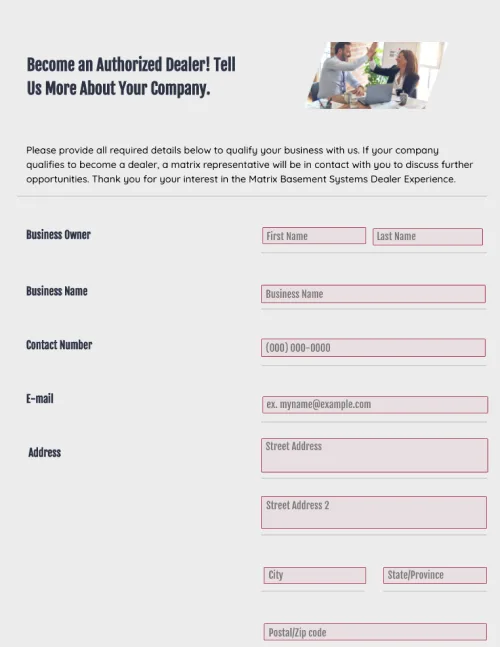
              Dealer Registration Form

              Dealer Registration Form

              Use this dealer registration form template in your organization to collect information from third-party vendors. Cut down on administrative tasks, and stay ahead of your competitors.

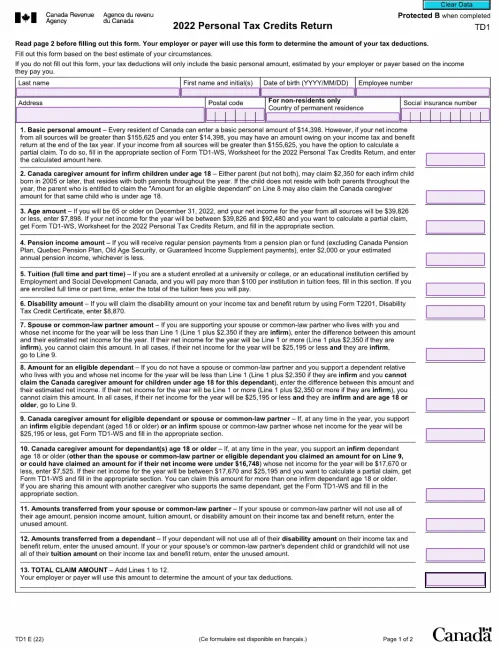
              TD1 Forms: A Complete Guide for Employers and Employees

              TD1 Forms: A Complete Guide for Employers and Employees

              TD1 forms are essential business documents. PandaDoc provides a range of TD1 templates, both federal and provincial (for numerous years), thus allowing employers to create and host their own custom TD1s. This approach saves significant amounts of time and money.

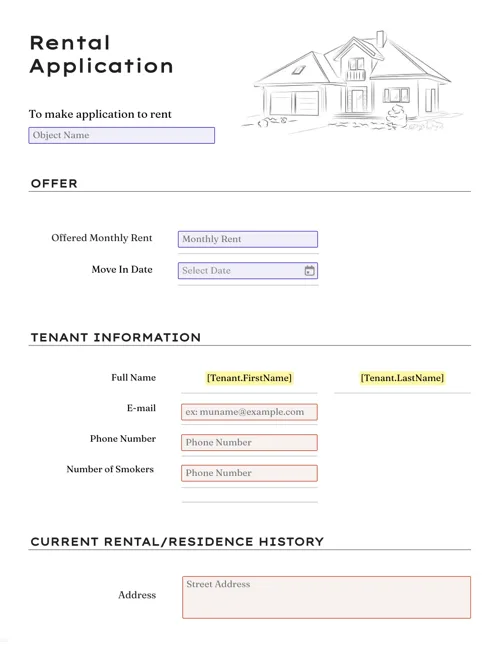
              Rental Application Form

              Rental Application Form

              Create detailed, comprehensive rental application forms in minutes with drag-and-drop form fields, reusable templates, and customizable automation tools.

              TemplatesForms

              Loan Pre-Application Form

              Easily create a customized loan pre-application form in a few clicks. Streamline contract management of the loan process in a timely manner.

              Use this template

              No credit card required

              Loan Pre-Application Form