Anyone who wants to receive a loan from your bank or financial institution needs to fill out an education loan form.
While the loan issuing process requires more than just a single form, the initial application allows you to connect with interested parties and evaluate them for eligibility.
In general, these documents will be filled out by either current and prospective college students or their parents.
In some cases, the form will be completed by both when a student knows they need a cosigner to secure funds. Designing your forms to handle these situations encourages more people to apply for loans through your institution.
Financial institutions need to collect a lot of information from people to determine whether a given applicant is eligible for a loan.
Student loans are more complicated than some other types of loans because they are subject to numerous regulations.
An educational loan form is designed to collect all the information the financial institution needs to issue the loan while remaining in compliance with federal laws.
For example, it is illegal to use protected classes like gender, race, national origin, religion, age, marital status, or Consumer Credit Protection Act status to determine whether someone is eligible for a loan.
This includes asking whether someone has completed a federal student loan forgiveness application form.
Instead, the student loan application form collects other information, such as name, date of birth, and social security number, to help you investigate the applicant’s creditworthiness.
This allows you to legally judge risk, set interest rates, and determine loan eligibility.
Since student loans can be for tens of thousands of dollars, it’s in everyone’s best interest that the documents to access these funds are thorough.
Here are a few examples of student finance loan application form fields.
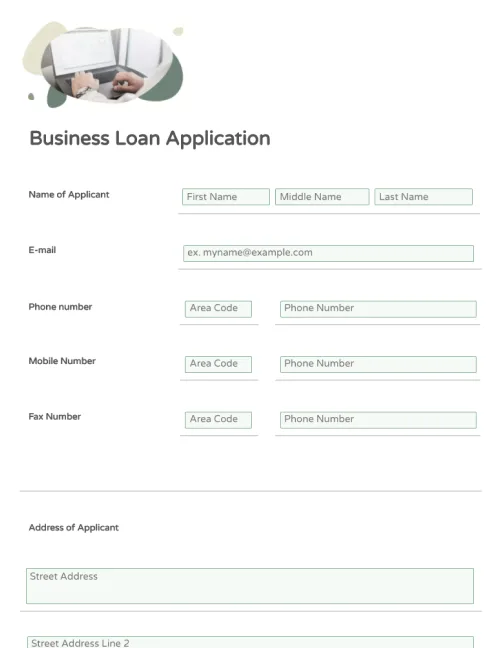
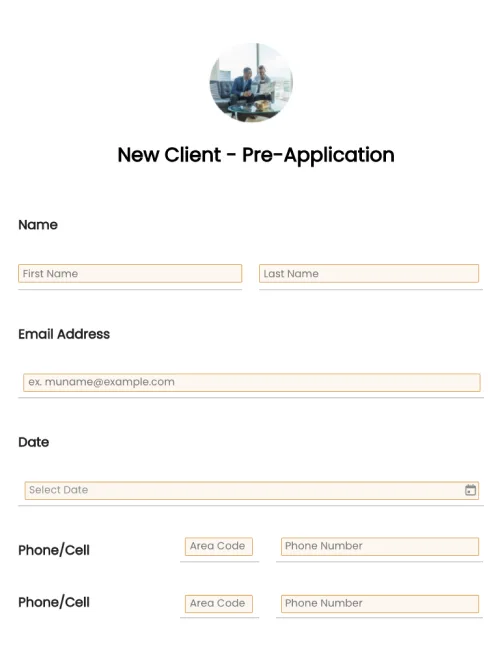
Contact information: The student will need to provide a permanent address where they will be reachable for the following year. The form should also request their phone number and email address to ensure that there’s always a communication method available.
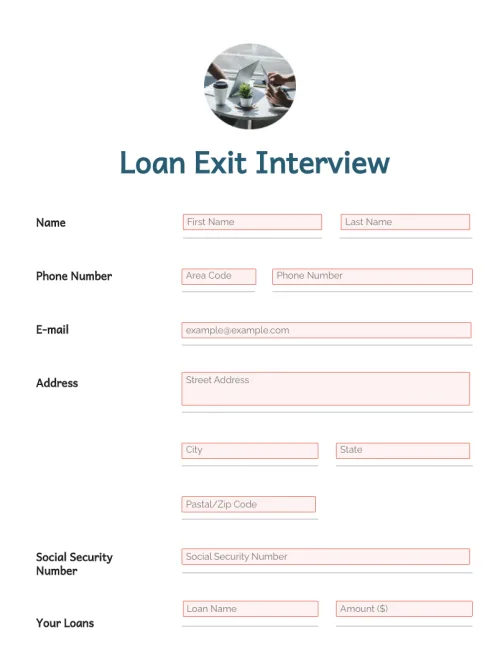
Student information: As with any type of lending, the student should be asked to provide their legal name and their social security number or TTIN. Be sure to confirm their date of birth to guarantee that they are eligible to take out a loan in the first place.
Cosigner information: Many students have not had time to build their credit history, so they are ineligible to receive lending on their own. To connect with these students, include fields for them to list cosigners on the loan application form. Collect all the same basic information about the cosigners as you do for the student since they are equally responsible for the funds.
Educational institution and details: The document should request the student’s school, their acceptance status, and what year of their program they will be in during the upcoming academic year. You may also ask for their student ID number to confirm their enrollment with the school in question.
Loan details: No two students need the exact same funds for higher learning. Ask them how much money they are requesting and what they will use that money for, such as tuition, school fees, or room and board.
Disclaimers: If you plan on pulling credit scores, you can add releases letting applicants know that they will see that pull on their record. You should also include the standard disclaimers required of loan providers in your state.
Signature: Finally, offer two signature fields, one for the student and one for their potential cosigner. A secure e-signature verifies that the student was the person to fill out the application instead of a scammer.
Suppose you frequently use student loan application forms in your organization. In that case, you will likely benefit from using a template to generate them.
Working from a template helps ensure that you never forget essential elements of the form and that your forms remain legally robust.
Templates remove the need to produce a new document from scratch whenever you want to create a new loan or update records for new laws.
Reducing the effort spent recreating old forms will help you save a significant amount of money and employee time in the long term.
Download the free template from PandaDoc today to get started. It’s free, fully customizable, and can be used as the basis of all your student loan applications going forward.
Given the extensive personal and financial information that students need to provide in order to complete the national student loan application form, the document must be secure.
With PandaDoc’s full suite of security features, you can trust that your applicants’ information is always safe.
With full SOC 2 Type II certification and FERPA compliance, you can guarantee that your application will not leak information or impact students’ futures.
Meanwhile, the forms themselves include additional security measures. Verified e-signatures help keep documents legally robust while allowing potential clients to fill out their applications from anywhere.
In combination with the back-end security measures, you can rely on trustworthy applications without the hassle of paper forms.
The key document when applying for a student loan is the student loan application form. You will also need other documents such as a bank account statement, credit score and history, social security number, tax returns, prof of employment, income and identification, etc.
Student finance refers to a type of government funding. Many students apply for student finance to get loans to pay tuition fees. When you get a message stating “application submitted,” it means they have all the necessary details they need and will begin processing your application soon.
To afford higher education, most American students need to take out student loans.
Student loan online application forms allow students to connect with loan providers and learn what loan opportunities they are eligible for.
These documents aren’t just for the benefit of the students, though. They also enable loan providers to directly connect with potential clients.
A simple online loan inquiry makes it easier for potential applicants to reach out to your organization. As more people apply for loans through your institution, over time you will receive more low-risk applications and more reliable repayments.
Disclaimer
Materials (e.g. templates, educational articles, blog posts and informational content), made available through PandaDoc, including via any integrations, connectors, extensions, plugins, or third-party AI platforms (e.g. ChatGPT, Claude, or similar tools) are for general information purposes only and are provided "as is." These materials do not constitute legal, regulatory, or compliance advice and should not be construed as such. It is your responsibility to ensure materials meet your specific legal requirements. Consult a qualified attorney licensed in your jurisdiction before relying on these materials. PandaDoc disclaims all warranties, express or implied, including fitness for a particular purpose or non-infringement.
Use a free, customizable template to create student loan application forms in a few clicks. Provide your contact information, school information, loan details, and signatures directly through your form.
No credit card required