Help centerLog inHelp center
Mobile Site Logo
Desktop Site Logo
    • Platform

      • Product overview
      • Contract Management
      • CPQ
      • Enterprise
    • Features

      • Image - Document generation - Icon
        Document generationAutomate document creation with customizable templates
      • Image - Payments - Icon
        PaymentsGenerate error-free quotes
tailored for every buyer
      • Image - Deal room - Icon
        Deal RoomsCollaborate and close deals in one personalized deal room
      • Image - Smart content - Icon
        Smart contentAdapt documents to the recipient's requirements
      • All features
    •  

      • automation icon
        Workflow AutomationsStreamline your workflow and reduce manual tasks
      • Approval workflow
        Approval workflowSimplify internal sign-offs before document delivery
      • Workspaces
        WorkspacesDistribute content across teams and departments
      • Tracking & analytics
        Tracking & analyticsGet insights into how users interact with your document
      • All features
    • Request a demo
    • Contact sales
    Product (Dropdown) - Featured Image
    Compare
    • vs DocuSign
    • vs Dropbox Sign
    • vs Adobe Sign
    • vs Proposify
    • View more
    • Image - Use case - Icon

      Use case

      • eSignatures
      • Proposals
      • Contracts
      • Quotes
      • Payments
      • All use cases
    • Image - Industry - Icon

      Industry

      • Software & technology
      • Professional services
      • Education
      • Healthcare
      • Construction
      • All industries
    • Image - Team - Icon

      Team

      • Sales
      • HR
      • Marketing
      • Customer success
      • Legal
      • All teams
    • Request a demo
    • Contact sales
    Customer stories
    • Image - Solution dropdown - Autodesk
      Autodesk now tracks sales metrics across its entire org
    • Image - Solution dropdown - Nomad
      Nomad cut customer acquisition costs by 20%
    • Image - Solution dropdown - TheKey
      TheKey saves 3,000 hours per year using PandaDoc
    • All customer stories
    • Sales and CRM

      • Hubspot
        Hubspot
      • Salesforce
      • pipedrive
        Pipedrive
      • Monday Logo
        Monday
    • Payment gateways

      • Square Logo
        Square
      • Stripe
        Stripe
      • Authorize Logo
        Authorize.net
      • Paypal Logo
        PayPal
      • QuickBooks Logo
        QuickBooks Payments
      • FreshBooks Logo
        FreshBooks
    • Collaboration and more

      • Zapier
      • Greenhouse
      • QuickBooks Logo
        QuickBooks
      • Slack Logo
        Slack
      • All integrations
    • API
    • Documentation
    Integration (Dropdown) - Featured Image
    CPQ Solutions
    • pipedrive
      Pipedrive CPQ
    • Hubspot
      Hubspot CPQ
    • Salesforce CPQ
      Salesforce CPQ
    • Image - Learn- Icon

      Learn

      • Customer stories
      • Blog
      • Templates
      • Webinars
      • Learning academy
      • Security
      • Resource library
      • AI Skills Lab
    • Image - Support - Icon

      Support

      • Help center
      • Contact us
      • Onboarding services
      • Professional services
      • Premium support
      • Partner Directory
    • Image - Developers - Icon

      Developers

      • API
      • Document embedding
      • Documentation
    • Request a demo
    • Contact sales
    Resources (Dropdown) - Featured Image
    Security & Compliance
    • Signature certificate
    • Two-factor authentication
    • HIPAA compliance
    • View more
  • API
  • Pricing
Request a demoStart a trialRequest a demo

CONTENT LIBRARY

Store layouts and branded assets for lightning-fast document creation

Streamline future content creation by adding images, pre-approved text snippets, document templates, and more to the PandaDoc content library.

Request a demo
Start free 14-day trial

No credit card required

G2 Leader Mid-Market
G2 Best Usability Mid-Market
G2 Fastest Implementation Mid-Market
G2 Users Most Likely To Recommend Mid-Market
Content Library

Over 68,000 companies build stunning content with PandaDoc

Autodesk
Boeing
SGS
AOL
Konika Minolta
Rakuten
TomTom
HP
PepsiCo
Zoetis
Bonusly
Chick-fil-A

What is a content library?

A content library functions as a centralized repository for the various types of content (images, text, infographics, etc.) that teams use for content creation.

Rather than creating new documents from scratch, teams can use digital assets and media within the library to jumpstart the creation process.

When used correctly, content libraries serve as both a content management platform and an extension of a brand’s content strategy. Marketing teams generate new content based on need or use case, which can help sales and operations teams better communicate via on-brand messaging.

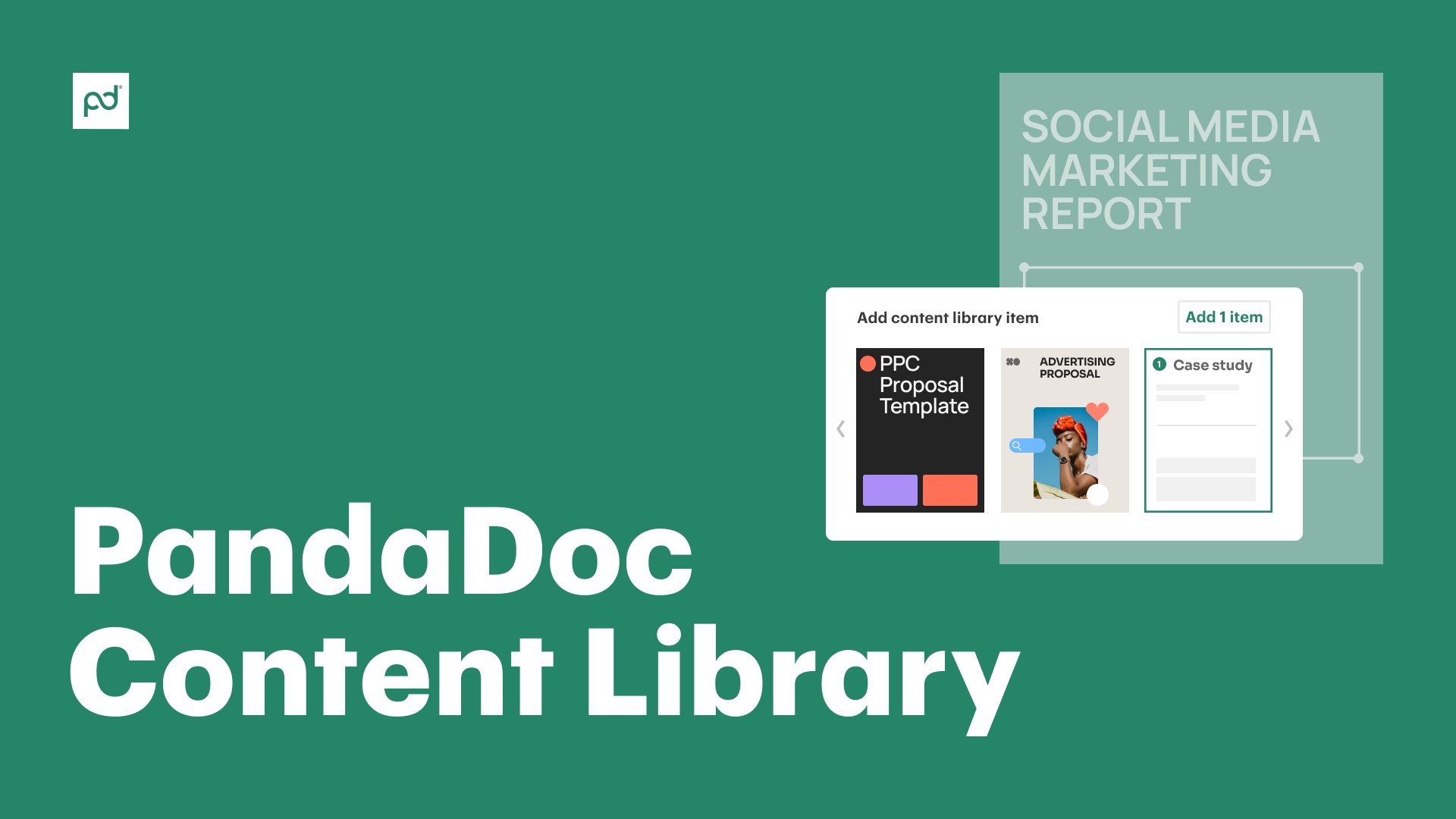
In PandaDoc, content libraries can hold entire document templates, modular page layouts, and even completed elements like case studies. These items can be inserted into a document in seconds, allowing users to build personalized, highly relevant documents using brand-approved assets.

Why build a content library?

Accelerate your entire document workflow

Accelerate your entire document workflow

Create documents faster than ever before with expertly crafted assets and modular content layouts.

Share high-performing content across your team

Share high-performing content across your team

Equip users in your workspace with pre-approved and branded assets that help them build better documents.

Deploy standardized snippets, templates, and assets

Deploy standardized snippets, templates, and assets

Give teams added flexibility during document creation while maintaining brand guidelines and minimizing legal exposure.

Recycle your most-used content

Document Content Library

Get more out of your content

Don’t let your best work gather dust. With the PandaDoc content library, teams can store and reuse winning proposals, contracts, and presentations.

Save time by recycling successful templates, sections, and individual snippets like pricing tables and testimonials so that well-designed legacy content can gain new life as a part of future deals.

Analytics Documents

Distribute your most valuable assets

A content library acts as a distribution platform for some of the most valuable resources in an organization.

Leverage your library’s functionality to provide instant access to your most high-performing content so that the entire team can benefit. Inside PandaDoc, content can even be configured to specific account workspaces so that the most relevant assets are prominently displayed and immediately available.

Content Library

Build the right module for the job

New digital content is essential when exploring a new market, pursuing a new industry, or operating in a new format.

But that doesn’t mean that everyone on the team needs to spend hours reinventing the same table or content layout. Have one team member or manager create the right configuration for the job, then use the local content library to standardize the approach across the entire team.

Content Library Legal

Personalize docs with pre-approved resources

Your content library isn’t just a marketing and sales tool. When used correctly, it’s also a legal tool.

With PandaDoc, legal teams can create pre-approved disclaimers, disclosures, and similar language to limit legal exposure. These text snippets can be added to specific document templates, like a quote template, or can be inserted as standalone items when relevant.

See how the content library works

Video thumbnail
Kelsey Boyd

Kelsey Boyd

Director of Business Systems & Processes

Kelsey Boyd brand

PandaDoc is making this so much more efficient than it once was. The Hiring Packages are a breeze to send to candidates… this would’ve been a time-consuming administrative burden if it weren’t for PandaDoc.

Kelsey Boyd

Kelsey Boyd

Director of Business Systems & Processes

Read full story

Store critical assets for easy access

Templates Library

High-performing templates and blocks

Supercharge your document creation process with a library of ready-to-use templates and content blocks.

PandaDoc users can store entire templates like sales proposals and full contracts or individual sections for quick and easy access. Once these assets are stored, they can be used to quickly assemble professional documents.

Branding Email

Branded logos and assets

Maintain a consistent brand identity across every single document.

Upload company logos, fonts, color palettes, and images to the content library for easy access. This approach grounds your corporate identity while providing added flexibility to team members without compromising brand guidelines.

Content Library Pre Approved Items

Pre-approved legal clauses

Maximize compliance with pre-approved legal language.

Store your standard terms and conditions, disclaimers, and other legal clauses in your content library. Then, insert them into any document with confidence, knowing that the language has been vetted and approved.

Content Library Case Study

Case studies and testimonials

Boost credibility and showcase your success stories with formal case studies, testimonials, reviews from social media, and more.

These assets can be generated in a variety of formats, from full-page documents to concise snippets. Offer these assets to teams as a way to tailor documents to specific industries and audiences with just a few clicks.

One library for multiple teams

  • Sales

    Sales

    An enterprise document library filled with winning proposals and contracts can help sales teams close deals fast.

    Give reps access to pre-approved pricing tables, product descriptions, and customer testimonials so that every document feels customized and personal.

    Learn more
    Sales
  • Marketing

    Marketing

    Want to ensure brand consistency across all teams?

    Marketers can use a cloud-based document library to store approved brand images, layouts, modules, and pre-written content blocks for critical documents.

    Learn more
    Marketing
  • Legal

    Legal

    Legal experts can use the content library as a means to distribute compliant language across the team or as a secure repository for contracts.

    Because all library content can be updated after upload, changes can be made to snippets as the company grows and its legal position evolves.

    Learn more
    Legal
  • Operations

    Operations

    Content libraries can be used to streamline onboarding processes, improve internal communications, and more.

    Store employee handbooks, training materials, company policies, and similar documents in a centralized location for easy access and streamlined distribution.

    Learn more
    Operations

Get started with the PandaDoc content library

Link: Learn more
Build your content library

Build your content library

Learn more
Link: Learn more
Add conditional content to your blocks

Add conditional content to your blocks

Learn more
Link: Learn more
Store images and other media in your library

Store images and other media in your library

Learn more

Your content. Your documents. Your workspace.

Get personalized 1:1 demo with our product specialist.

  • Tailored to your needs

  • Answers all your questions

  • No commitment to buy

Chili Piper

ChiliPiper increased their close rate by 28% after implementing PandaDoc.

Schedule your free live demo

  1. 1Fill out the form
  2. 2Book a time slot
  3. 3Attend a demo

By submitting this form, I agree that theTerms of ServiceandPrivacy Noticewill govern the use of services I receive and personal data I provide respectively.

Frequently asked questions

  • You can store a wide range of content inside the PandaDoc content library, including any of the following:

    • Document templates (full or partial)

    • Modular content blocks

    • Images and logos

    • Text snippets

    • Legal clauses

    • Videos and interactive media

    There is no limit to the number of content variations that you can store inside your library.

  • It’s not, but PandaDoc is!

    A document management system typically includes tools like version control or advanced collaboration features.

    PandaDoc users have access to these features and others within the larger document repository, but they’re separate from the content library, which is primarily designed for reusable assets.

  • Yes. The PandaDoc library is part of your PandaDoc account and resides on PandaDoc servers.

    This ensures that teams can always access the latest versions of your documents and resources and that documents are always up to date.

    Because your online document library is based in the cloud, users will be able to access your content from anywhere with an internet connection.

  • You control access to your content library and the data stored within it.

    Users with appropriate authentication will be able to see library content for their designated workspace. Admins and managers will have greater access to content and the controls that manage it.
Product
  • Pricing
  • Integrations
  • Features
  • Updates
  • Security
  • HIPAA
Use cases
  • Proposals
  • eSignatures
  • Quotes
  • Contracts
  • Payments
  • Forms
  • Notary
  • API
  • CPQ
  • Deal Rooms
  • All use cases
Resources
  • Help center
  • Templates
  • Blog
  • Electronic signature law
  • How to guides
  • Developer center
  • System status
  • Onboarding services
  • Partner Directory
  • Recipes
  • AI Skills Lab
Compare
  • vs DocuSign
  • vs Dropbox Sign
  • vs Adobe Sign
  • vs Proposify
  • vs Docsend
  • All alternatives
Company
  • About us
  • Culture
  • Careers
  • Stand with Ukraine
  • Become a partner
  • Press
  • Contact us
  • Marketing Preferences

© 2026 PandaDoc Inc. All rights reserved.

Privacy Notice
    Legal
        Accessibility Statement
          Do Not Sell My Personal Information
            AI Information