Signup forms are used to collect information from individuals that want to take part in an organized activity. Typical examples of these activities include newsletters, courses, membership programs, seminars, workshops, holiday camps, and more.
Once a registrant has submitted their details, they can also be contacted with follow-up materials, so signup forms also fill important marketing and sales roles.
Because signup forms are designed for collecting customer data, when hosted online they tend to be connected to a backend database that allows activity organizers to access, validate, and manage this data quickly. Examples of applications built for this purpose include customer relationship management (CRM) software, WordPress databases, email marketing platforms, and dedicated signup form software.
The term “signup form” is often used interchangeably with “registration form” and “application form”. While there are no exact differentiators between these phrases, and they are sometimes used to refer to the same types of documents, most people will use them in a specific way.
Here is an overview of the most common differences:
Signup forms – Signup forms tend to be straightforward documents that are geared towards collecting only basic data. Generally speaking, the activity that individuals “sign up” for doesn’t have a preliminary filtering or registration process. Subscription forms for newsletter signups and registration forms for new users on forums are good examples.
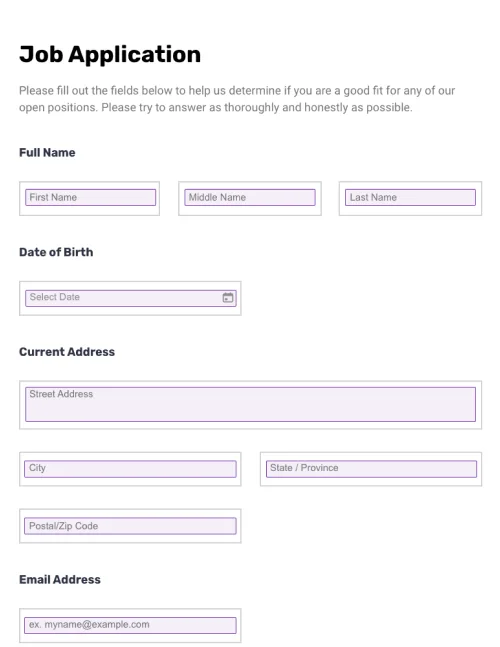
Application forms– Application forms tend to be longer, more complex documents used to initiate the first stage of a multi-faceted evaluation process, such as applying for a university degree.
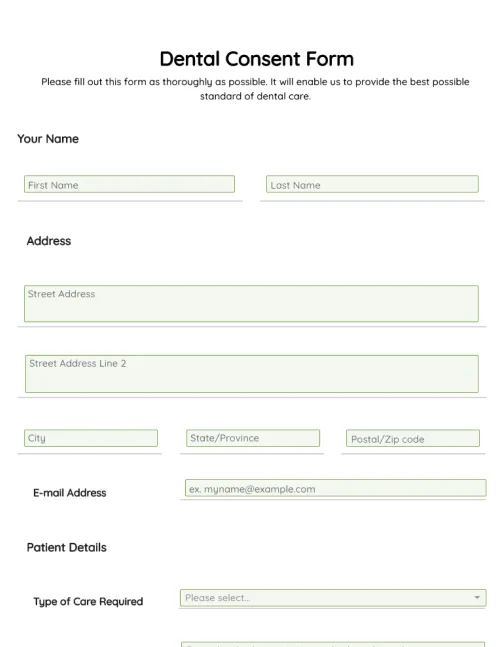
Registration forms– Registration forms are similar to signup forms but tend to ask for more in-depth, specific information and will be highly tailored to the issuing organization’s requirements. Medical practices use registration forms to collect data from new patients, for example. Registration form templates are often used to create this type of form.
Common form types that are often confused with signup forms include contact forms, login forms, and questionnaires.
Most signup forms will be designed to meet the specific needs of the organizations using them. That said, signup forms do tend to fall into one of several categories.
Here is a brief overview of the different types of sign-up forms:
Email signup (opt-in) forms – Email signup forms are used to collect subscriber email addresses so they can be added to a mailing list.
Event signup or booking forms – Event signup forms are completed by individuals that wish to attend an event. The word “event” is used in its broadest context and may refer to anything from an hour-long seminar to a multi-week holiday camp.
Course signup forms– Individuals that want to signup for a course will usually be required to complete a signup form. They may be asked to specify which class they wish to enroll in if there are multiple options.
Membership application forms – Membership application forms are used to process long-term membership requests to a particular group or organization, such as a sports club. Sometimes a seconder – an individual that is already a member of the group – may need to sign the form.
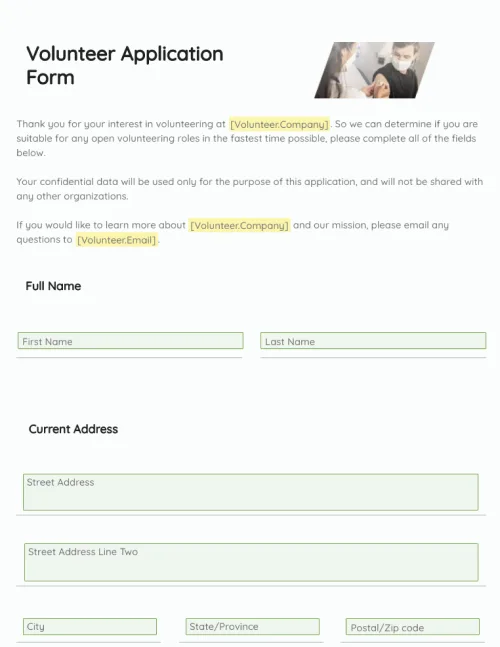
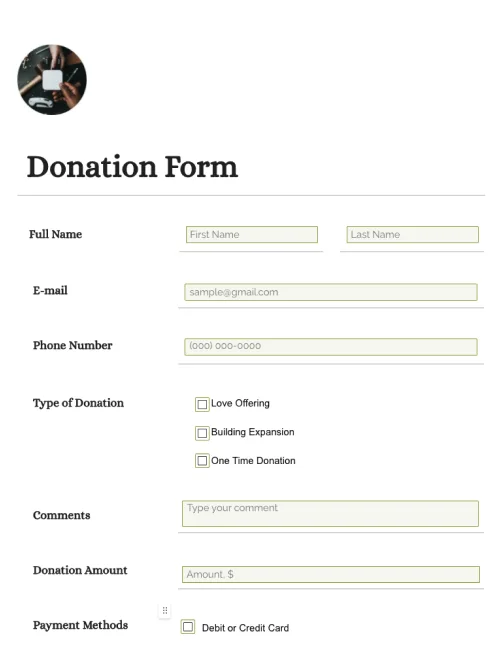
Most signup forms will be unique, designed to fulfill the needs of the organizations using them. Generally speaking, however, signup forms will include several of the following form fields:
Name
Email address
Phone number
Birthdate
Social media handles
Gender
Address
Company
Payment details
Additional comments and contact information
If you are using a signup form to process orders for a product or service, you will also need to include a dropdown that potential customers can use to specify between different options.
Signup forms tend to be straightforward documents. Because a typical organization will likely use multiple signup forms over a given period, working from a template can save both time and financial resources, especially for online forms and landing pages.
What’s more, the layout and content of signup forms can directly impact conversions for marketing initiatives like free webinars and email lead magnets. Using a template enables organizations to make incremental improvements that will positively affect signup rates over the long-term while cutting out a lot of unnecessary hassle.
Download the free, fully-customizable template and form sample provided by PandaDoc to get started. You can modify it and use it to create all of your signup forms moving forward.
A signup form is a document, usually hosted online, that individuals complete to join – or “sign up” – to an event, newsletter, course, or any other organized activity. Signup forms are among the most ubiquitous online documents. They are used on a daily basis for a range of business and customer-facing tasks, such as collecting email addresses, processing registrations to ongoing membership programs, determining event attendance, and much more.
Signup forms tend to be relatively straightforward documents, with fields for registrant details (email address, name, physical address, etc.) and any other required information. A simple newsletter opt-in form, for example, will usually include only two fields – one for the subscriber’s name and one for their email address.
Various pieces of legislation stipulate how companies can use and store confidential customer data. Because of this, it is often necessary to gain consent from anybody submitting a signup form. Most of the time, this is done through a simple statement like “I consent to share my data”, followed by a check box and a link to a more detailed Terms and Conditions page.
Signup forms can be used to promote either paid or free activities. When a signup form is utilized to gather customer information for a paid service, it will often include fields for payment details such as credit card numbers. In this way, sign-up forms can play a central role in the checkout process.
Disclaimer
Materials (e.g. templates, educational articles, blog posts and informational content), made available through PandaDoc, including via any integrations, connectors, extensions, plugins, or third-party AI platforms (e.g. ChatGPT, Claude, or similar tools) are for general information purposes only and are provided "as is." These materials do not constitute legal, regulatory, or compliance advice and should not be construed as such. It is your responsibility to ensure materials meet your specific legal requirements. Consult a qualified attorney licensed in your jurisdiction before relying on these materials. PandaDoc disclaims all warranties, express or implied, including fitness for a particular purpose or non-infringement.
Create signup forms in a few clicks. Save time and resources with PandaDoc’s drag-and-drop form builder, payment buttons, and automated online storage syncing.
No credit card required