Help centerLog inHelp center
Mobile Site Logo
Desktop Site Logo
    • Platform

      • Product overview
      • Contract Management
      • CPQ
      • Enterprise
    • Features

      • Image - Document generation - Icon
        Document generationAutomate document creation with customizable templates
      • Image - Payments - Icon
        PaymentsGenerate error-free quotes
tailored for every buyer
      • Image - Deal room - Icon
        Deal RoomsCollaborate and close deals in one personalized deal room
      • Image - Smart content - Icon
        Smart contentAdapt documents to the recipient's requirements
      • All features
    •  

      • automation icon
        Workflow AutomationsStreamline your workflow and reduce manual tasks
      • Approval workflow
        Approval workflowSimplify internal sign-offs before document delivery
      • Workspaces
        WorkspacesDistribute content across teams and departments
      • Tracking & analytics
        Tracking & analyticsGet insights into how users interact with your document
      • All features
    • Request a demo
    • Contact sales
    Product (Dropdown) - Featured Image
    Compare
    • vs DocuSign
    • vs Dropbox Sign
    • vs Adobe Sign
    • vs Proposify
    • View more
    • Image - Use case - Icon

      Use case

      • eSignatures
      • Proposals
      • Contracts
      • Quotes
      • Payments
      • All use cases
    • Image - Industry - Icon

      Industry

      • Software & technology
      • Professional services
      • Education
      • Healthcare
      • Construction
      • All industries
    • Image - Team - Icon

      Team

      • Sales
      • HR
      • Marketing
      • Customer success
      • Legal
      • All teams
    • Request a demo
    • Contact sales
    Customer stories
    • Image - Solution dropdown - Autodesk
      Autodesk now tracks sales metrics across its entire org
    • Image - Solution dropdown - Nomad
      Nomad cut customer acquisition costs by 20%
    • Image - Solution dropdown - TheKey
      TheKey saves 3,000 hours per year using PandaDoc
    • All customer stories
    • Sales and CRM

      • Hubspot
        Hubspot
      • Salesforce
      • pipedrive
        Pipedrive
      • monday.com
        Monday
    • Payment gateways

      • Square Logo
        Square
      • Stripe
        Stripe
      • Authorize Logo
        Authorize.net
      • Paypal Logo
        PayPal
      • QuickBooks
        QuickBooks Payments
      • FreshBooks Logo
        FreshBooks
    • Collaboration and more

      • Zapier
      • Greenhouse
        Greenhouse
      • QuickBooks
        QuickBooks
      • Slack Logo
        Slack
      • All integrations
    • API
    • Documentation
    Integration (Dropdown) - Featured Image
    CPQ Solutions
    • pipedrive
      Pipedrive CPQ
    • Hubspot
      Hubspot CPQ
    • Salesforce CPQ
      Salesforce CPQ
    • Image - Learn- Icon

      Learn

      • Customer stories
      • Community
      • Blog
      • Templates
      • Webinars
      • Learning academy
      • Security
      • Resource library
      • AI Skills Lab
    • Image - Support - Icon

      Support

      • Help center
      • Contact us
      • Onboarding services
      • Professional services
      • Premium support
      • Partner Directory
    • Image - Developers - Icon

      Developers

      • API
      • Document embedding
      • Documentation
    • Request a demo
    • Contact sales
    Resources (Dropdown) - Featured Image
    Security & Compliance
    • Signature certificate
    • Two-factor authentication
    • HIPAA compliance
    • View more
  • API
  • Pricing
Request a demoStart a trialContact Sales
Product
  • Pricing
  • Integrations
  • Features
  • Updates
  • Security
  • HIPAA
Use cases
  • Proposals
  • eSignatures
  • Quotes
  • Contracts
  • Payments
  • Forms
  • Notary
  • API
  • CPQ
  • Deal Rooms
  • All use cases
Resources
  • Help center
  • Community
  • Templates
  • Blog
  • Electronic signature law
  • How to guides
  • Developer center
  • System status
  • Onboarding services
  • Partner Directory
  • Recipes
  • AI Skills Lab
Compare
  • vs DocuSign
  • vs Dropbox Sign
  • vs Adobe Sign
  • vs Proposify
  • vs Docsend
  • All alternatives
Company
  • About us
  • Culture
  • Careers
  • Stand with Ukraine
  • Become a partner
  • Press
  • Contact us
  • Marketing Preferences

© 2026 PandaDoc Inc. All rights reserved.

Privacy Notice
    Legal
        Accessibility Statement
          Do Not Sell My Personal Information
            AI Information
              • LinkedIn
              • Facebook
              • X

              Should you give TD1BC forms to your employees?

              In short, yes. As an employer, you (or your Accounting or Human Resources (HR) department) are responsible for making appropriate tax deductions on your employees’ earnings. The Canada.ca website advises employers to send their workers a link to the relevant web page (see “Useful links” below) rather than give them a paper form. Employees can then fill out the document and return it to you in paper or digital format.

              It is also possible for employers to create custom TD1BC forms. There are a number of benefits to this approach. First, the self-made form can be hosted online without the need for any paper documents. Second, electronic forms can be synced with a backend database, completely removing the need for time-consuming manual data entry. Finally, the form can be simplified to make it easier for employees to complete.

              If you are responsible for collecting tax information from employees, it is important to ensure that any custom forms meet regulations set out by the CRA. They must, for example, mirror the TD1BC issued by the CRA, be readily accessible to officials, and include a submission date and method of identity verification.

              What are the tax credits for people that live in British Columbia in 2021?

              Tax credits usually change every year. This does not mean, however, that you need to submit a new form. Employers will use the information you have previously provided to calculate your tax credit entitlements.

              The tax credits for British Columbia in 2021 are as follows:

              • Basic personal amount – $11,070

              • Aged over 65 with net income lower than $36,954 – $4,964

              • Pension income amount – $1,000 (or full pension amount if it is lower)

              • Disability amount – $8,303

              • Spouse or common-law partner amount with income less than $948 – $9,479 (the amount for eligible dependents is the same)

              It is important to remember that the TD1BC does not cover all possible tax credits. You may still need to fill out other forms like the T2201 Disability Tax Credit Certificate and T1213 form (which covers, among other things, child care expenses).

              For a complete overview of all forms issued by the CRA, visit the Government of Canada website.

              Should you use PandaDoc to create and distribute a TD1BC form?

              If you are an employer, using a service like PandaDoc can help you save significant amounts of resources. Use our free TD1 British Columbia template to create a custom form. You can host it securely online and connect it to your backend database, where employee information will be readily available for payroll tasks.

              PandaDoc’s entire library of templates, including federal TD1 forms for different years, are included on all free and paid plans. We also offer an extensive library of integrations for syncing up your tech stack.

              Sign up for afree PandaDoc trial(or stick with the “forever free” version) to see if our platform is a fit for your business.

              Useful links

              • TD1BC 2021 Form– A link to the official download page of the TD1BC 2021 form.

              • TD1BC 2021 Worksheet (TD1MB-WS) – The accompanying worksheet for the TD1BC 2021.

              • General guidance for provincial TD1 forms

              • Guidance for employers on custom forms (including regulations)

              FAQ

              What is a TD1BC or British Columbia Personal Tax Credits Return?

              A TD1BC, also called a “British Columbia Personal Tax Credits Return” or “TD1 for British Columbia”, is a tax document issued by the Canada Revenue Agency (CRA). It enables organizations to collect information about employees’ tax credit entitlements and make appropriate deductions when conducting payroll tasks. In this way, the CRA ensures that working individuals pay the correct amount of tax.

              The difference between a federal and a provincial TD1 form is worth noting. Generally speaking, Canadian citizens and other people working in Canada need to fill out two forms: a generic TD1 that covers federal taxes that everybody must pay and a province-specific TD1 form that relates to a particular area. Local TD1 forms are named according to their province. The label “TD1BC”, for example, stands for “TD1 British Columbia”.

              While new TD1 forms are issued every year, it is only necessary for employees to submit a new form if their tax circumstances change. Otherwise, an employer will use the information they already have on file.

              Who needs to fill out and submit a TD1BC?

              The circumstances in which an employee needs to fill out a TD1BC are relatively straightforward.

              Here is a quick overview of the main criteria:

              • You have started paid work for an organization.

              • Your tax circumstances change. You may, for example, become eligible for child care, retirement, or disability benefits.

              • You have recently moved to British Columbia. You are taxed based on where you reside, not where you work.

              • You have earnings from other sources and wish to pay tax throughout the year on these earnings, rather than as a single sum based on your tax return. In this case, you are asking your employer to deduct a greater amount of ore tax from your regular earnings.

              If one of the above points applies to you, it is important to fill out and submit a TD1BC as soon as possible. Failure to do so can result in fines.

              The CRA also provides a worksheet to help individuals work out partial tax credits that are dependent on earnings, such as for people over sixty-five with incomes between $36,954 and $70,048.

              Disclaimer

              Materials (e.g. templates, educational articles, blog posts and informational content), made available through PandaDoc, including via any integrations, connectors, extensions, plugins, or third-party AI platforms (e.g. ChatGPT, Claude, or similar tools) are for general information purposes only and are provided "as is." These materials do not constitute legal, regulatory, or compliance advice and should not be construed as such. It is your responsibility to ensure materials meet your specific legal requirements. Consult a qualified attorney licensed in your jurisdiction before relying on these materials. PandaDoc disclaims all warranties, express or implied, including fitness for a particular purpose or non-infringement.

              Related templates

              TD1 Forms: A Complete Guide for Employers and Employees

              TD1 Forms: A Complete Guide for Employers and Employees

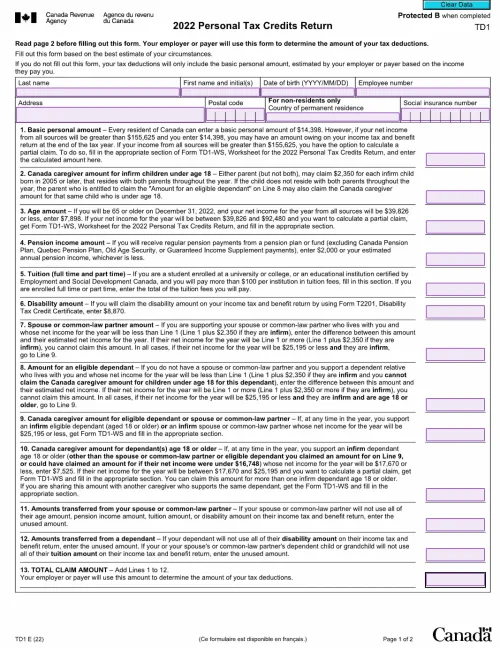
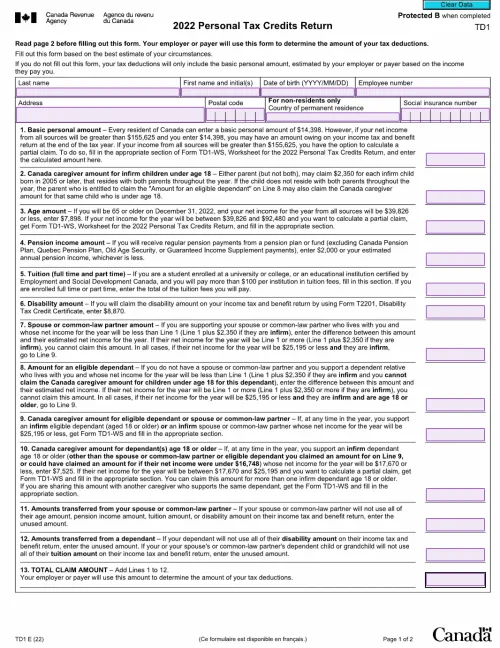
              TD1 forms are essential business documents. PandaDoc provides a range of TD1 templates, both federal and provincial (for numerous years), thus allowing employers to create and host their own custom TD1s. This approach saves significant amounts of time and money.

              Free Electronic TD1AB Form (TD1 Alberta)

              Free Electronic TD1AB Form (TD1 Alberta)

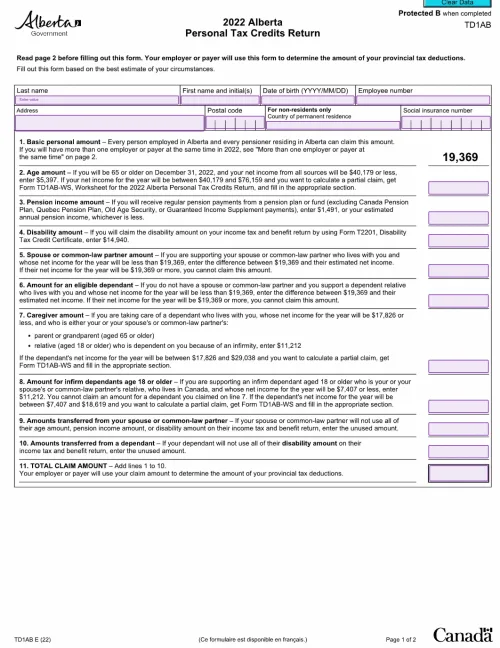
              Use this electronic template of the TD1AB (Alberta Personal Tax Credits Return) for 2021 to create forms and distribute them to your employees through a secure online portal. Collecting tax information from your workers in this way is much quicker than relying on paper forms.

              Free Online TD1ON Form (TD1 Ontario)

              Free Online TD1ON Form (TD1 Ontario)

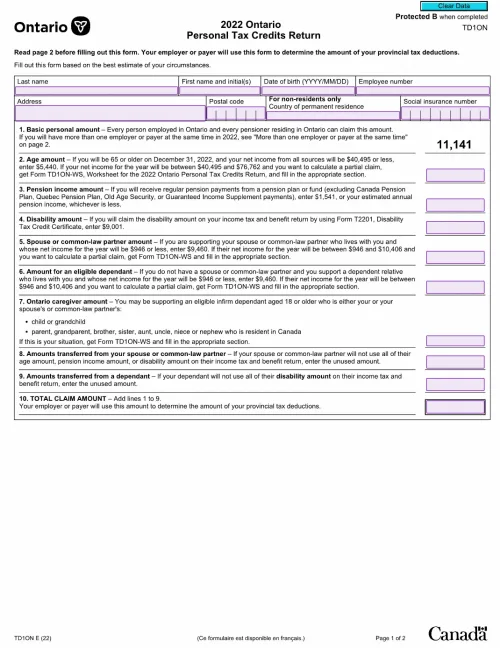
              Create a custom TD1ON form (personal tax credits return for Ontario) and distribute it to your employees through a secure online portal. Automatically collect, store, and access data on PandaDoc’s secure servers.

              How to Fill Out a TD1 Form: Everything Employers and Employees Need to Know

              How to Fill Out a TD1 Form: Everything Employers and Employees Need to Know

              TD1 forms are essential documents. If you’re an employee, you are legally required to complete and submit one. If you’re an employer, you should provide your employees with an official or custom TD1 for the purpose of collecting tax information needed to conduct payroll tasks.

              TemplatesForms

              Free Electronic TD1BC Form (TD1 British Columbia)

              TD1BC forms are essential business documents. Use PandaDoc’s free, fully customizable template to create an electronic TD1BC form and distribute it to your employees via a secure online portal. Integrate with your back-end data management app to ensure seamless, automated data transfer without any need for manual entry.

              Use this template

              No credit card required

              Free Electronic TD1BC Form (TD1 British Columbia)