Help centerLog inHelp center
Mobile Site Logo
Desktop Site Logo
    • Platform

      • Product overview
      • Contract Management
      • CPQ
      • Enterprise
    • Features

      • Image - Document generation - Icon
        Document generationAutomate document creation with customizable templates
      • Image - Payments - Icon
        PaymentsGenerate error-free quotes
tailored for every buyer
      • Image - Deal room - Icon
        Deal RoomsCollaborate and close deals in one personalized deal room
      • Image - Smart content - Icon
        Smart contentAdapt documents to the recipient's requirements
      • All features
    •  

      • automation icon
        Workflow AutomationsStreamline your workflow and reduce manual tasks
      • Approval workflow
        Approval workflowSimplify internal sign-offs before document delivery
      • Workspaces
        WorkspacesDistribute content across teams and departments
      • Tracking & analytics
        Tracking & analyticsGet insights into how users interact with your document
      • All features
    • Request a demo
    • Contact sales
    Product (Dropdown) - Featured Image
    Compare
    • vs DocuSign
    • vs Dropbox Sign
    • vs Adobe Sign
    • vs Proposify
    • View more
    • Image - Use case - Icon

      Use case

      • eSignatures
      • Proposals
      • Contracts
      • Quotes
      • Payments
      • All use cases
    • Image - Industry - Icon

      Industry

      • Software & technology
      • Professional services
      • Education
      • Healthcare
      • Construction
      • All industries
    • Image - Team - Icon

      Team

      • Sales
      • HR
      • Marketing
      • Customer success
      • Legal
      • All teams
    • Request a demo
    • Contact sales
    Customer stories
    • Image - Solution dropdown - Autodesk
      Autodesk now tracks sales metrics across its entire org
    • Image - Solution dropdown - Nomad
      Nomad cut customer acquisition costs by 20%
    • Image - Solution dropdown - TheKey
      TheKey saves 3,000 hours per year using PandaDoc
    • All customer stories
    • Sales and CRM

      • Hubspot
        Hubspot
      • Salesforce
      • pipedrive
        Pipedrive
      • monday.com
        Monday
    • Payment gateways

      • Square Logo
        Square
      • Stripe
        Stripe
      • Authorize Logo
        Authorize.net
      • Paypal Logo
        PayPal
      • QuickBooks
        QuickBooks Payments
      • FreshBooks Logo
        FreshBooks
    • Collaboration and more

      • Zapier
      • Greenhouse
        Greenhouse
      • QuickBooks
        QuickBooks
      • Slack Logo
        Slack
      • All integrations
    • API
    • Documentation
    Integration (Dropdown) - Featured Image
    CPQ Solutions
    • pipedrive
      Pipedrive CPQ
    • Hubspot
      Hubspot CPQ
    • Salesforce CPQ
      Salesforce CPQ
    • Image - Learn- Icon

      Learn

      • Customer stories
      • Blog
      • Templates
      • Webinars
      • Learning academy
      • Security
      • Resource library
      • AI Skills Lab
    • Image - Support - Icon

      Support

      • Help center
      • Contact us
      • Onboarding services
      • Professional services
      • Premium support
      • Partner Directory
    • Image - Developers - Icon

      Developers

      • API
      • Document embedding
      • Documentation
    • Request a demo
    • Contact sales
    Resources (Dropdown) - Featured Image
    Security & Compliance
    • Signature certificate
    • Two-factor authentication
    • HIPAA compliance
    • View more
  • API
  • Pricing
Contact salesStart a trialContact Sales
Product
  • Pricing
  • Integrations
  • Features
  • Updates
  • Security
  • HIPAA
Use cases
  • Proposals
  • eSignatures
  • Quotes
  • Contracts
  • Payments
  • Forms
  • Notary
  • API
  • CPQ
  • Deal Rooms
  • All use cases
Resources
  • Help center
  • Templates
  • Blog
  • Electronic signature law
  • How to guides
  • Developer center
  • System status
  • Onboarding services
  • Partner Directory
  • Recipes
  • AI Skills Lab
Compare
  • vs DocuSign
  • vs Dropbox Sign
  • vs Adobe Sign
  • vs Proposify
  • vs Docsend
  • All alternatives
Company
  • About us
  • Culture
  • Careers
  • Stand with Ukraine
  • Become a partner
  • Press
  • Contact us
  • Marketing Preferences

© 2026 PandaDoc Inc. All rights reserved.

Privacy Notice
    Legal
        Accessibility Statement
          Do Not Sell My Personal Information
            AI Information
              • LinkedIn
              • Facebook
              • X

              Who needs to fill out a TD1NB?

              Anybody that is resident in New Brunswick and receives compensation for their work must fill out a TD1NB. In most circumstances, an individual should submit a form when they start working for a new employer. It is not necessary to submit a new form every year.

              Generally speaking, anybody that meets one or more of the following criteria should fill out a TD1NB form and give it to their employer:

              • They have started working for a new company.

              • They are able to claim further tax credits due to disability, dependants under their care, or retirement.

              • They have recently moved to New Brunswick (even if they are employed in another province).

              • They wish to pay additional tax to the CRA.

              In the final case, individuals may wish to pay extra tax throughout the year to avoid a lump sum when they submit their annual tax return. If somebody has a second source of income, for example, any applicable taxes will need to be declared and paid to the CRA annually. Instead, it is possible to “overpay” taxes on primary earnings throughout the year.

              What are the tax credit entitlements for New Brunswick residents in 2021?

              Information about relevant tax credits is contained in the TD1NB for 2021 itself. The CRA also provides a worksheet – called a TD1NB-WS – to help individuals determine income-dependent tax credits. An individual over sixty-five that earns between $33,359 and $73,939, for example, will need to calculate which credits they are entitled to using the worksheet.

              It’s important for employees to note that not all tax credits are covered in the TD1 and TD1NB forms. Some credits, such as childcare and work expenses, must be claimed using other forms, some of which are submitted directly to the CRA. All documentation is available on the Canada.ca website.

              Here is an overview of the main tax credits for New Brunswick in 2021:

              • Basic personal amount – $10,564

              • Aged over 65 with net income lower than $38,400 – $5,158

              • Pension income amount – $1,000 (or full estimated pension amount if it is lower)

              • Disability amount – $8,552

              • Spouse or common-law partner amount (if you are supporting them) with net income less than $898 – $8,970 minus their income

              • Caregiver amount for related dependant earning $898 or less – $8,970

              • Amount for infirm dependents aged over 18 earning $17,038 or less – $4,989

              What are the responsibilities of employers in regards to TD1NB forms?

              It is the responsibility of individual employees to fill out and submit individual TD1NB forms, and failure to do so can incur fines.

              However, as an employer, it is your responsibility to collect and store tax information. When you undertake recurring payroll tasks, you must make the relevant deductions from your employees’ earnings and pay the CRA.

              Your company’s Human Resources (HR) or Accounting department should provide all new workers with a link to the relevant web page of the Candada.ca website where they can download a TD1NB. Alternatively, it is also possible for organizations to use custom TD1NB forms.

              The CRA allows employers to create self-made TD1 and TD1NB forms, as long as they meet certain requirements as stipulated on the Canada.ca website. These requirements include mirroring the TD1NB published by the CRA, verifying the identities of employees, including a submission date, and storing the forms in a format that makes them accessible to the CRA on request.

              Useful links

              • TD1NB 2021 Form

              • TD1NB 2021 Worksheet (TD1NB-WS)

              • General guidance for provincial TD1 forms

              • Guidance for employers on custom forms (including regulations)

              FAQ

              Should you use a service like PandaDoc to create and host a TD1NB for 2021?

              You might accuse us of being biased, but we think a service like PandaDoc offers the best possible solution when it comes to TD1 forms.

              Our service makes it easy to customize a TD1NB in accordance with government regulations. You can then distribute it via a secure online portal for your employees to complete. This process saves significant amounts of time and resources compared to relying on paper forms and manual data entry.

              All our plans include TD1 and TD1NB templates. Sign up for a free trial today to see if we’re a fit for your business.

              What is a TD1NB or New Brunswick Personal Tax Credits Return?

              A TD1NB is a form issued by the Canada Revenue Agency (CRA). All employees that are residents of New Brunswick must fill out a TD1NB. As essential documents, they enable employers to calculate the amount of tax that needs to be deducted from their employees’ regular earnings.

              Once an employee has filled out and submitted a TD1NB, either digitally or manually (with a paper form), their tax information will be stored by the organization for which they work. This information is used by the Accounting or Human Resources (HR) department when conducting payroll tasks.

              There are two types of TD1 forms: federal forms and provincial forms. Federal forms cover tax credits that apply to allCanadian employees. Provincial forms, on the other hand, relate to specific localities. The letters which come after “TD1” in the labels for provincial forms refer to provinces in question. For example, “NB” in “TD1NB” stands for New Brunswick.

              Disclaimer

              Materials (e.g. templates, educational articles, blog posts and informational content), made available through PandaDoc, including via any integrations, connectors, extensions, plugins, or third-party AI platforms (e.g. ChatGPT, Claude, or similar tools) are for general information purposes only and are provided "as is." These materials do not constitute legal, regulatory, or compliance advice and should not be construed as such. It is your responsibility to ensure materials meet your specific legal requirements. Consult a qualified attorney licensed in your jurisdiction before relying on these materials. PandaDoc disclaims all warranties, express or implied, including fitness for a particular purpose or non-infringement.

              Related templates

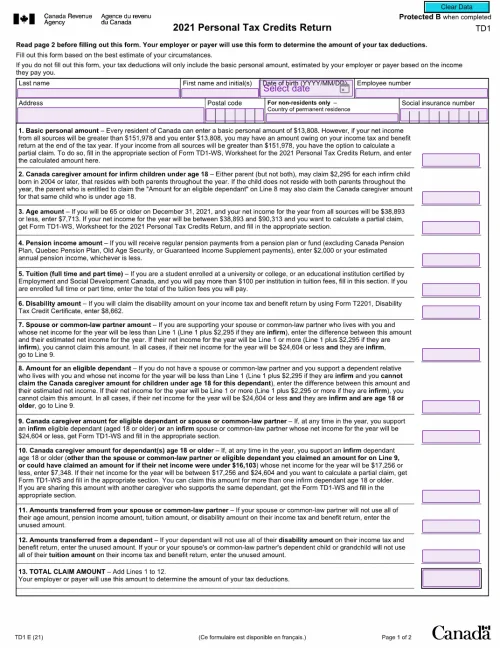
              TD1 2021 Form (Personal Tax Credits Return)

              TD1 2021 Form (Personal Tax Credits Return)

              Provide your employees with an easy-to-complete TD1 2021 form. Tailor the form to your specifications, host it digitally, and store sensitive data on secure PandaDoc servers

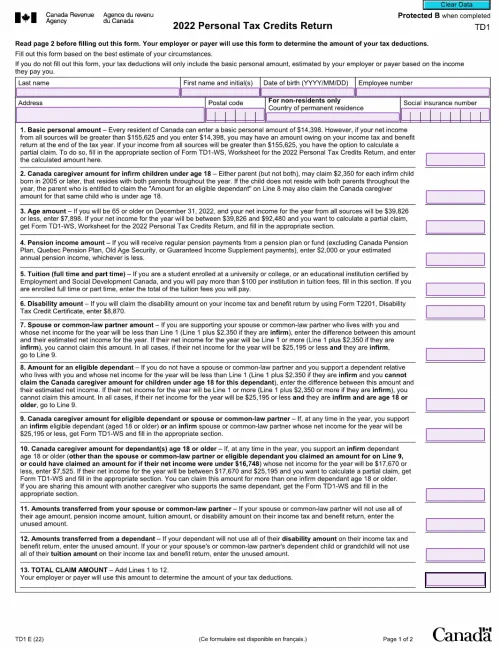
              TD1 Forms: A Complete Guide for Employers and Employees

              TD1 Forms: A Complete Guide for Employers and Employees

              TD1 forms are essential business documents. PandaDoc provides a range of TD1 templates, both federal and provincial (for numerous years), thus allowing employers to create and host their own custom TD1s. This approach saves significant amounts of time and money.

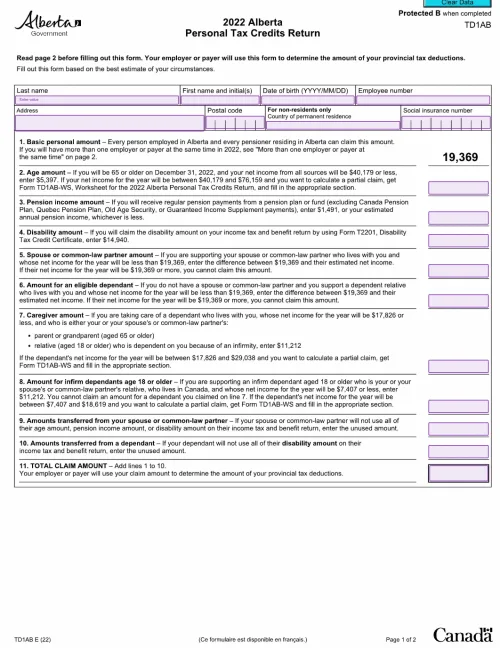
              Free Electronic TD1AB Form (TD1 Alberta)

              Free Electronic TD1AB Form (TD1 Alberta)

              Use this electronic template of the TD1AB (Alberta Personal Tax Credits Return) for 2021 to create forms and distribute them to your employees through a secure online portal. Collecting tax information from your workers in this way is much quicker than relying on paper forms.

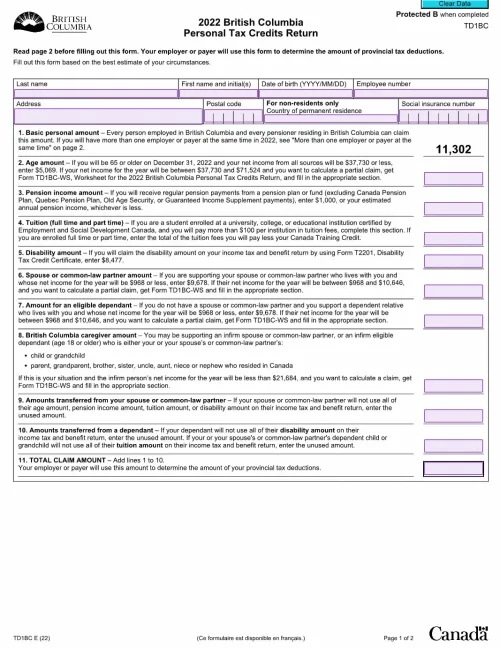
              Free Electronic TD1BC Form (TD1 British Columbia)

              Free Electronic TD1BC Form (TD1 British Columbia)

              Use PandaDoc’s free template to create a custom TD1BC form (British Columbia Personal Tax Credits Return). Collect and store employee data quickly and easily.

              TemplatesForms

              Free Electronic TD1NB Form (TD1 New Brunswick)

              Download and customize PandaDoc’s digital TD1NB form (also called a New Brunswick Personal Tax Credits Return). Creating your own form has several benefits. It allows you to simplify data entry for your employees. It provides increased security. And you can sync your form with your database, enabling the speedy, automated transfer of information and removing the need for manual data entry.

              Use this template

              No credit card required

              Free Electronic TD1NB Form (TD1 New Brunswick)