Custom branding
Themes, fonts, and colors ensure your company branding is reflected in every sent doc no matter who sends it.
Themes, fonts, and colors ensure your company branding is reflected in every sent doc no matter who sends it.

Create or upload case studies, customer quotes, images, videos, and more to embed the assets into docs and wow recipients.

Monitor and repeat the best performing content with reporting and tracking on templates and each content library item.
Tagline
Create professional-looking HR documents in minutes with reusable templates and consistent content library items.
Instead of emailing back and forth, set up automated approval workflows, signing orders, reminder notifications alongside access levels with team roles to speed up document completion.
Automate the sending of multiple documents to multiple team members across your organization so you do not have to waste time with routine tasks.

Know with just a glance who's received, filled out, or eSigned your digital documents. PandaDoc makes auditing a breeze and following up foolproof with auto-reminders.
Bring every doc, task, and approval into one connected place — no more switching tabs, tools, or formats.


Gift your sales team razor-sharp one-pagers, case studies, proposals, and quotes they need to cut through the noise of your competition. Free them from creating docs from scratch, and making costly mistakes with easy-to-use templates, best performing content, and on-brand messaging.

Put your best brand foot forward with custom themes, product visuals, and rich embedded media like video. Create a consistent experience with a drag-and-drop document builder and more than 750 professionally designed templates that you can quickly customize.

Get real-time, actionable intelligence about your marketing and sales pipeline thanks to integrations with HubSpot, Salesforce, Zendesk Sell, and more. Leverage additional powerful CRM, payment, and storage integrations, along with robust API access, so you can get more out of your existing martech investment.


PandaDoc’s HubSpot integration is second to none in comparison to competitors. It allows us to get a lot of information from the CRM directly into PandaDoc.
92%
reduction in proposal creation time
20%
reduction in customer acquisition costs

PandaDoc has a personal touch — they listen, adapt, and support us like true partners. This has made all the difference. I know I can reach out to them anytime. They take their time to walk us through everything, and I can trust that they’ll help us resolve any issues…
25%
more documents sent per month
46x
faster to get a signature compared to Docusign

PandaDoc has enhanced the purchasing experience for our buyers and sales team. We’ve halved proposal creation time while demonstrating value in every single proposal. It’s helped us close more deals, save time and maintain our brand’s integrity.
50%
reduction in proposal creation time
84%
of proposals viewed by prospects
Use our API alongside native integrations to extend or customize document systems.

Learn how Avantio used Panda Doc to simplify their sales cycle, reduce contract turnaround times, and close deals in record time

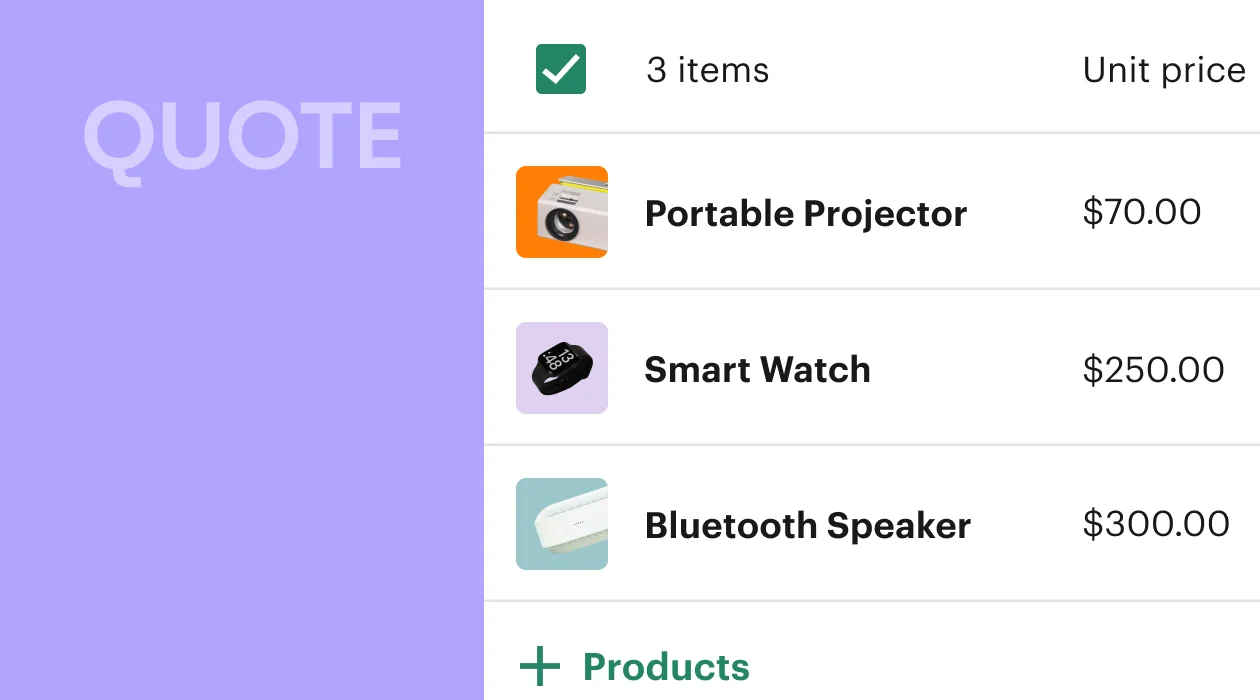
Jumpstart your sales cycle with pre-built, fully customizable templates that make generating new quotes easier than ever

Sales cycle slowing you down? Learn how to avoid quote escalations, speed up approvals, and get to closed won ASAP
Learn how to standardize your documents and transform them into reusable templates with PandaDoc tools
Build a unified revenue strategy from the ground up by creating a RevOps team. Learn who they are and what they do
Organize your most-used content in the content library so reps always pull approved text, images and pricing into quotes
Docusign is similar to many other electronic signature software tools, in that it enables you and your clients to exchange legally-binding signatures for business documents without having to send paperwork in the mail.
This makes life easier for remote workforces and companies whose clients are distributed across the globe.
You can upload documents in various formats from your computer or file-sharing sites, and keep them stored and managed in one secure place.
This could include sales proposals, vendor contracts, invoices, and new hire documentation.
You can add standard fields like signatures and dates to your agreements, and apply them in reusable templates to save time and standardize your processes. Docusign doesn’t have a native document creation function, although you can generate docs via integration with Salesforce.
Yes. Many modern e-signing solutions are better alternatives to Docusign, depending on your needs and preferences.
The send and envelope limits that Docusign imposes can hamper your ability to send documentation in a way that makes sense for your business.
Many companies, including PandaDoc, have removed such restrictions so that sending documentation is faster, easier, and can be accomplished without worrying about arbitrary overages.
Docusign performs well as part of a tech stack by offering many connections and integrations — including obscure connections that many other companies don’t offer.
However, between Zapier and native integrations offered by Docusign competitors, you can probably find a way to integrate your preferred e-signing solution with other popular productivity tools.
The electronic signature market is always shifting.
Currently, the biggest Docusign competitors are other major e-signing hubs like Acrobat Sign, Dropbox Sign, and PandaDoc.
Each of these companies offers a more holistic approach to e-signing and may offer a variety of interesting features to stand apart from the Docusign platform.
For example, Acrobat Sign gives you the ability to natively edit PDFs while Dropbox Sign offers additional storage as part of the signup process.
Meanwhile, PandaDoc offers the best native document creation platform on the market, allowing you to create contracts, proposals, and other business documents completely from scratch.
No.
While it’s possible to e-sign documents using Microsoft Word’s digital signing certificates, Microsoft doesn’t have a native electronic signature solution similar to Docusign.
However, Microsoft does offer native compatibility with Docusign and companies similar to it, including Acrobat Sign, by building that functionality directly into the user interface.
It’s also possible to use integration tools like the PandaDoc for Word add-in to connect better and cheaper Docusign alternatives directly to your word processor.
Somewhat.
Google is (slowly) rolling out a new e-signing feature to Google Workspace customers that allows users to prepare and send PDFs for e-signing.
This feature allows users to place signing fields in a document and features an audit trail, which generates after all signatures are captured and the document is finalized.
However, this feature is new and not yet widely available, making it difficult to evaluate as a viable Docusign alternative.
With PandaDoc, sales reps can create and deliver customized, accurate quotes and proposals in just minutes — not hours.

50,000+ customers build better documents with PandaDoc
This is sample Tagline








Get personalized 1:1 demo with our product specialist.
Tailored to your needs
Answers all your questions
No commitment to buy