PandaDoc uses cookies and tracking technologies to analyze performance of our website, and shares information about your use of our site with social media, advertising and analytics partners. Detected opt-out preference signals will be honored. Cookie Policy

Opt-Out Request Honored

PandaDoc uses cookies and tracking technologies to analyze performance of our website, and shares information about your use of our site with social media, advertising and analytics partners. Detected opt-out preference signals will be honored. Cookie Policy

Opt-Out Request Honored

By clicking “Accept All Cookies”, you agree to the storing of cookies on your device to enhance site navigation, analyze site usage, and assist in our marketing efforts. Privacy Policy

By clicking “Accept All Cookies”, you agree to the storing of cookies on your device to enhance site navigation, analyze site usage, and assist in our marketing efforts. Privacy Policy

This website uses cookies to enhance user experience and to analyze performance and traffic on our website. We also share information about your use of our site with our social media, advertising and analytics partners.

By clicking “Accept All Cookies”, you agree to the storing of cookies on your device to enhance site navigation, analyze site usage, and assist in our marketing efforts. Privacy Policy

Skip to main content
Help centerLog inHelp center
Mobile Site Logo
Desktop Site Logo
    • Platform

      • Product overview
      • Contract Management
      • CPQ
      • Enterprise
    • Features

      • Image - Document generation - Icon
        Document generationAutomate document creation with customizable templates
      • Image - Payments - Icon
        PaymentsGenerate error-free quotes
tailored for every buyer
      • Image - Deal room - Icon
        Deal RoomsCollaborate and close deals in one personalized deal room
      • Image - Smart content - Icon
        Smart contentAdapt documents to the recipient's requirements
      • All features
    •  

      • automation icon
        Workflow AutomationsStreamline your workflow and reduce manual tasks
      • Approval workflow
        Approval workflowSimplify internal sign-offs before document delivery
      • Workspaces
        WorkspacesDistribute content across teams and departments
      • Tracking & analytics
        Tracking & analyticsGet insights into how users interact with your document
      • All features
    • Request a demo
    • Contact sales
    Product (Dropdown) - Featured Image
    Compare
    • vs DocuSign
    • vs Dropbox Sign
    • vs Adobe Sign
    • vs Proposify
    • View more
    • Image - Use case - Icon

      Use case

      • eSignatures
      • Proposals
      • Contracts
      • Quotes
      • Payments
      • All use cases
    • Image - Industry - Icon

      Industry

      • Software & technology
      • Professional services
      • Education
      • Healthcare
      • Construction
      • All industries
    • Image - Team - Icon

      Team

      • Sales
      • HR
      • Marketing
      • Customer success
      • Legal
      • All teams
    • Request a demo
    • Contact sales
    Customer stories
    • Image - Solution dropdown - Autodesk
      Autodesk now tracks sales metrics across its entire org
    • Image - Solution dropdown - Nomad
      Nomad cut customer acquisition costs by 20%
    • Image - Solution dropdown - TheKey
      TheKey saves 3,000 hours per year using PandaDoc
    • All customer stories
    • Sales and CRM

      • Hubspot
        Hubspot
      • Salesforce
      • pipedrive
        Pipedrive
      • monday.com
        Monday
    • Payment gateways

      • Square Logo
        Square
      • Stripe
        Stripe
      • Authorize Logo
        Authorize.net
      • Paypal Logo
        PayPal
      • QuickBooks
        QuickBooks Payments
      • FreshBooks Logo
        FreshBooks
    • Collaboration and more

      • Zapier
      • Greenhouse
        Greenhouse
      • QuickBooks
        QuickBooks
      • Slack Logo
        Slack
      • All integrations
    • API
    • Documentation
    Integration (Dropdown) - Featured Image
    CPQ Solutions
    • pipedrive
      Pipedrive CPQ
    • Hubspot
      Hubspot CPQ
    • Salesforce CPQ
      Salesforce CPQ
    • Image - Learn- Icon

      Learn

      • Customer stories
      • Community
      • Blog
      • Templates
      • Webinars
      • Learning academy
      • Security
      • Resource library
      • AI Skills Lab
    • Image - Support - Icon

      Support

      • Help center
      • Contact us
      • Onboarding services
      • Professional services
      • Premium support
      • Partner Directory
    • Image - Developers - Icon

      Developers

      • API
      • Document embedding
      • Documentation
    • Request a demo
    • Contact sales
    Resources (Dropdown) - Featured Image
    Security & Compliance
    • Signature certificate
    • Two-factor authentication
    • HIPAA compliance
    • View more
  • API
  • Pricing
Request a demoStart a trialContact Sales
Product
  • Pricing
  • Integrations
  • Features
  • Updates
  • Security
  • HIPAA
Use cases
  • Proposals
  • eSignatures
  • Quotes
  • Contracts
  • Payments
  • Forms
  • Notary
  • API
  • CPQ
  • Deal Rooms
  • All use cases
Resources
  • Help center
  • Community
  • Templates
  • Blog
  • Electronic signature law
  • How to guides
  • Developer center
  • System status
  • Onboarding services
  • Partner Directory
  • Recipes
  • AI Skills Lab
Compare
  • vs DocuSign
  • vs Dropbox Sign
  • vs Adobe Sign
  • vs Proposify
  • vs Docsend
  • All alternatives
Company
  • About us
  • Culture
  • Careers
  • Stand with Ukraine
  • Become a partner
  • Press
  • Contact us
  • Marketing Preferences

© 2026 PandaDoc Inc. All rights reserved.

Privacy Notice
    Legal
        Accessibility Statement
          Do Not Sell My Personal Information
            AI Information
              TemplatesAccounting and tax

              1040EZ Form

              Form 1040EZ is an IRS Tax Form used to file federal tax returns with the IRS in the United States.

              Use this template

              No credit card required

              1040EZ forms by type

              Get your 1040EZ forms’ versions from 2017 to 2020
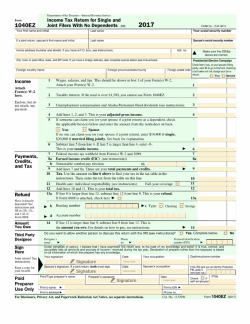
              1040ez-form-template 2017
              Open in PandaDoc
              • LinkedIn
              • Facebook
              • X
              1040EZ Form

              Taxes can be very confusing to the uninitiated. Unless you’re a trained accountant or have a struggled through it in the past, the whole process is many people’s idea of hell.

              However, it doesn’t have to be as complicated as you may think. If you’re eligible to use the 1040EZ tax form, you can really simplify the whole process for yourself.

              Form 1040EZ is a great way to cut out some of the time, effort and stress from filing your tax return, so it’s always worth finding out your filing status and whether you’re eligible or not.

              Are you eligible?

              You’ll need to make sure you’re eligible if you want to use the 1040EZ to file your income tax return.

              For starters, you need to meet the following criteria:

              • You must have a taxable income for the tax year of under $100,000.

              • You cannot claim dependents on your tax return.

              • You must have a taxable interest of under $1,500 for the tax year.

              There are some additional criteria that must be met in to qualify for using the 1040EZ, but these are the main ones you need to meet. The ‘no dependents’ requirement is particularly important, as this eliminates many parents that would otherwise be eligible.

              Another potentially limiting criteria is whether you receive certain tax credits. If you want to file using a 1040EZ, you can only claim 2 types of the tax credit: the Earned Income, and the Making Work Pay credits. If you’re a recipient of any other types of tax credit, then you cannot use the 1040EZ form to file.

              How to fill out the 1040EZ form

              Fortunately for the majority of the population who find federal taxes and tax preparation rather perplexing, the 1040EZ form is designed specifically to make the process as easy as possible. It’s generally fairly straightforward to follow, so most users will not have many issues.

              However, these are still taxes we’re talking about, so you may well hit a bit of a hurdle at some point.

              Here are a few simple things to keep in mind when filling out the form:

              1. Remember to accurately and fully input your personal information at the beginning of the form. This includes basic details like full name, address, social security number and so on.

              2. Ensure that you truthfully disclose details like your gross income. When it comes down to it, this is the entire purpose of the form, so you’ll need to disclose any salaries, wages, tips, taxable scholarships/grants (e.g. fellowship grants), unemployment compensation, or Alaska Permanent Fund dividends that you have earned throughout the tax year. If you have received income from any other sources, then you may be ineligible for the 1040EZ and have to instead use the 1040 form.

              3. You are likely to have already had federal employment taxes, and other types of standard deductions taken from your paycheck throughout the year, so you’ll need to clarify on the form how what your tax situation is, and how much you’ve already paid.

              4. If you’re eligible for either the Earned Income Credit or the Making Work Pay Credit, make sure you include this information on the form in order to benefit from them.

              In general, the 1040EZ instructions are far simpler to follow than those on the more complex 1040 form. Work through the form methodically, take your time, and you should have no problem completing it in a few minutes or less.

              Filing the 1040EZ

              Once you’ve completed the form and double-checked that all of your details are accurate, you’ll need to file it.

              You have a few options here:

              • Print and return it via mail to your local Internal Revenue Service office.

              • Submit electronically to the IRS using approved software or the IRS form tool on the official website.

              • File via a professional who is licensed to submit IRS federal tax return forms.

              General Tips

              It’s important that you fill out your 1040EZ correctly, so here are a few extra tips to keep in mind:

              1. Try to collate all of your relevant income tax documents (such as your W-2) before starting. Taking the extra effort to organize yourself is guaranteed to save you time in the long-run, as you won’t be going back and forth trying to figure out what you need.

              2. Retain a copy of your completed form so that you have something to refer to should any problems arise at a later date with your tax payments and filing.

              3. It’s worth going through the form slowly rather than trying to rush straight through it. If you file a form with a missed detail or inaccurate information then you can delay the whole process significantly.

              FAQ

              What is a 1040EZ form?

              Form 1040EZ is a document used to file your legally required annual federal income tax return to the Internal Revenue Service (IRS) in the United States. In fact, it’s the shortest, simplest tax form, and therefore probably the fastest way to file your taxes.

              So what’s the catch? Well, unfortunately, not everybody is eligible to use the 1040EZ, so you’ll have to figure out whether or not you are before using it.

              Is the 1040EZ tax form still In use?

              Form 1040EZ, as well as form 1040A, are no longer in use. They have been replaced with the modern incarnation of 1040. It was used for certain simple tax situations (having an income below 100K dollars/year, no dependents, and only little interest income).

              What is the 1040EZ form for?

              Form 1040EZ was a stripped down version of the 1040 — for the individuals to report their taxes to the IRS and for the IRS to figure out whether they were eligible for tax returns. In 2019 it was discontinued as part of a tax reform.

              Where can I get a 1040EZ form?

              You can now get a 1040EZ form from third party websites. PandaDoc has a template for it, for example. But right now it presents only certain minor historical value, as this form is no longer in use by any government agencies.

              Disclaimer

              Parties other than PandaDoc may provide products, services, recommendations, or views on PandaDoc’s site (“Third Party Materials”). PandaDoc is not responsible for examining or evaluating such Third Party Materials, and does not provide any warranties relating to the Third Party Materials. Links to such Third Party Materials are for your convenience and does not constitute an endorsement of such Third Party Materials.

              Disclaimer

              Materials (e.g. templates, educational articles, blog posts and informational content), made available through PandaDoc, including via any integrations, connectors, extensions, plugins, or third-party AI platforms (e.g. ChatGPT, Claude, or similar tools) are for general information purposes only and are provided "as is." These materials do not constitute legal, regulatory, or compliance advice and should not be construed as such. It is your responsibility to ensure materials meet your specific legal requirements. Consult a qualified attorney licensed in your jurisdiction before relying on these materials. PandaDoc disclaims all warranties, express or implied, including fitness for a particular purpose or non-infringement.


              Related Business Documents

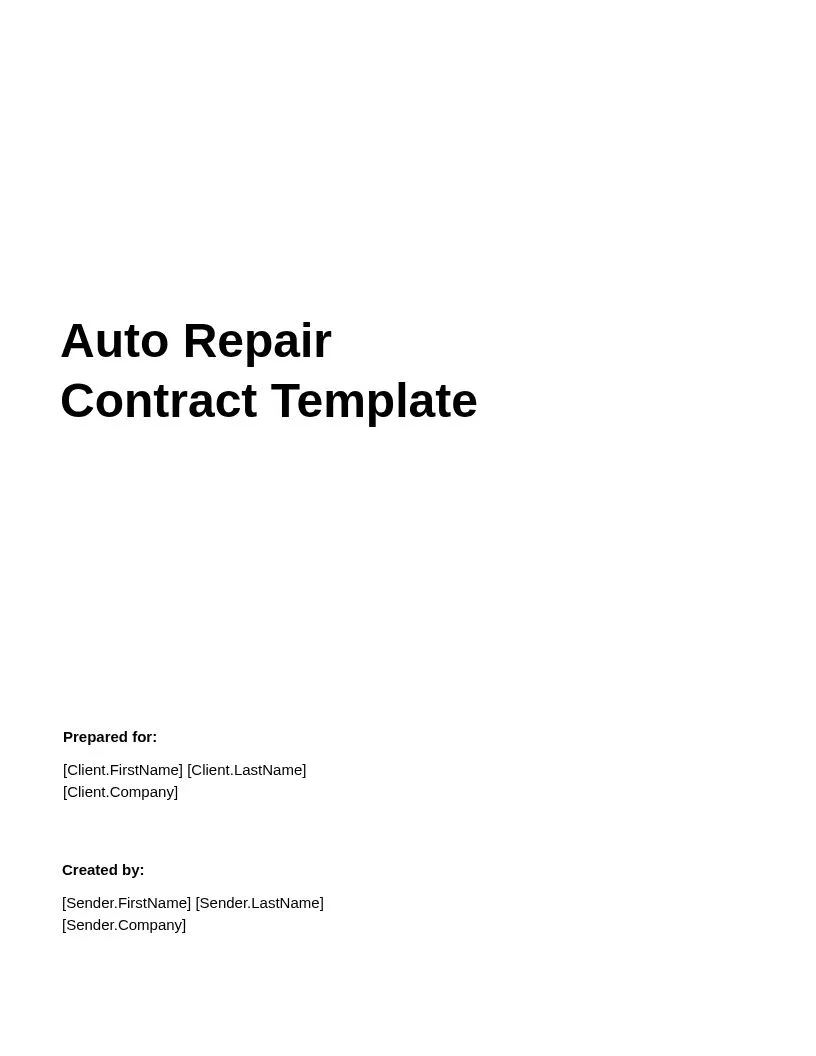
              Auto Repair Contract Template

              Auto Repair Contract Template

              Use this free auto repair contract template as a legally binding mechanic service agreement between your shop and your customer(s).

              891ff974-dec9-4616-b361-7df5d46f2e1d2F21474836472F98510cbe-3061-43a0-a66f-e8ddcba7afab2Foriginal

              Speaking Engagement Proposal Template

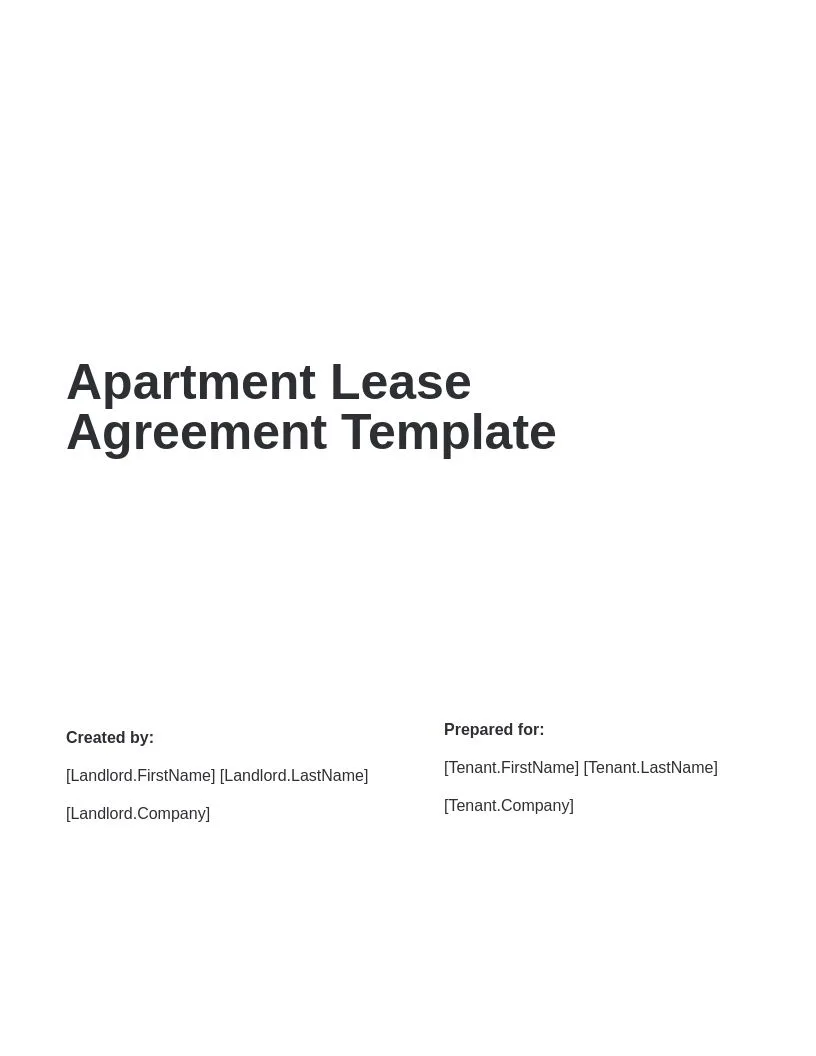
              Delaware Apartment Lease Agreement

              Delaware Apartment Lease Agreement

              A Delaware Apartment Lease Agreement, distinct from a rental application, is a legally binding document between the property owner and the tenant. This agreement outlines the obligations and rights of both parties during the rental period. It covers key aspects such as the rent amount, the lease length, security deposit details, penalties for late payments, and other crucial terms and conditions.

              Health Coaching Agreement Template

              Health Coaching Agreement Template

              A health coaching agreement template ensures that the coach and client understand their responsibilities and can focus on their health goals together.

              Related templates

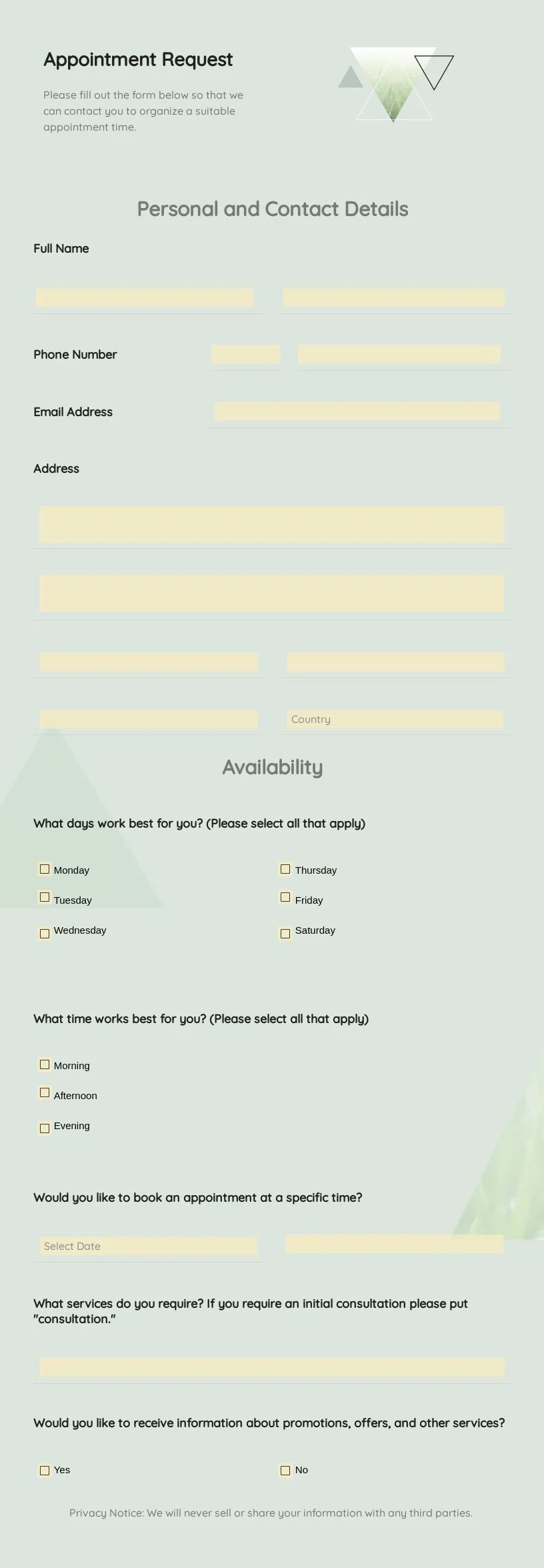
              Appointment Request Form

              Appointment Request Form

              Create appointment request forms in a few clicks. Add electronic signatures, rich media, and drag-and-drop information fields. Streamline your document workflows.

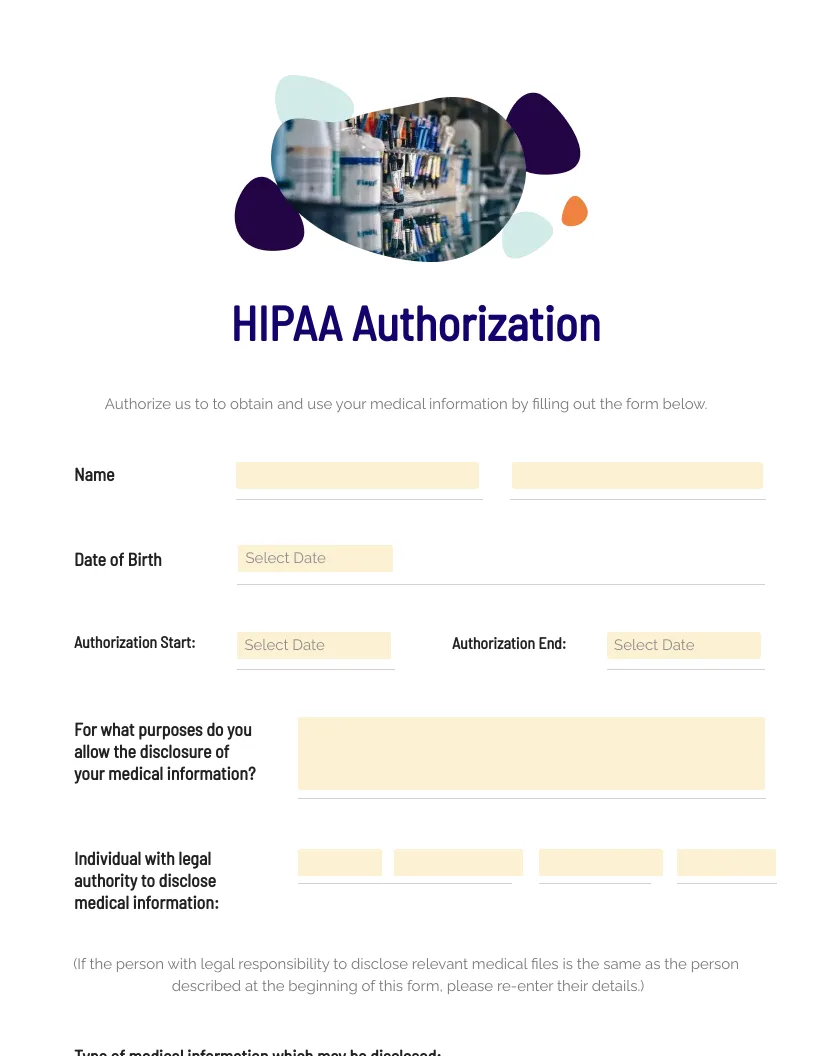
              HIPAA Authorization Form

              HIPAA Authorization Form

              Edit HIPAA authorization forms in a single click. Customize documents with intuitive drag-and-drop tools. Collect eSignatures and payments in real-time.

              Time Off Request Form

              Time Off Request Form

              Customize your time off request form easily with drag-and-drop form fields. Streamline employee time-off requests with complete information. Create a printable form or keep it digital.

              Dealer Registration Form

              Dealer Registration Form

              Use this dealer registration form template in your organization to collect information from third-party vendors. Cut down on administrative tasks, and stay ahead of your competitors.