Help centerLog inHelp center
Mobile Site Logo
Desktop Site Logo
    • Platform

      • Product overview
      • Contract Management
      • CPQ
      • Enterprise
    • Features

      • Image - Document generation - Icon
        Document generationAutomate document creation with customizable templates
      • Image - Payments - Icon
        PaymentsGenerate error-free quotes
tailored for every buyer
      • Image - Deal room - Icon
        Deal RoomsCollaborate and close deals in one personalized deal room
      • Image - Smart content - Icon
        Smart contentAdapt documents to the recipient's requirements
      • All features
    •  

      • automation icon
        Workflow AutomationsStreamline your workflow and reduce manual tasks
      • Approval workflow
        Approval workflowSimplify internal sign-offs before document delivery
      • Workspaces
        WorkspacesDistribute content across teams and departments
      • Tracking & analytics
        Tracking & analyticsGet insights into how users interact with your document
      • All features
    • Request a demo
    • Contact sales
    Product (Dropdown) - Featured Image
    Compare
    • vs DocuSign
    • vs Dropbox Sign
    • vs Adobe Sign
    • vs Proposify
    • View more
    • Image - Use case - Icon

      Use case

      • eSignatures
      • Proposals
      • Contracts
      • Quotes
      • Payments
      • All use cases
    • Image - Industry - Icon

      Industry

      • Software & technology
      • Professional services
      • Education
      • Healthcare
      • Construction
      • All industries
    • Image - Team - Icon

      Team

      • Sales
      • HR
      • Marketing
      • Customer success
      • Legal
      • All teams
    • Request a demo
    • Contact sales
    Customer stories
    • Image - Solution dropdown - Autodesk
      Autodesk now tracks sales metrics across its entire org
    • Image - Solution dropdown - Nomad
      Nomad cut customer acquisition costs by 20%
    • Image - Solution dropdown - TheKey
      TheKey saves 3,000 hours per year using PandaDoc
    • All customer stories
    • Sales and CRM

      • Hubspot
        Hubspot
      • Salesforce
      • pipedrive
        Pipedrive
      • Monday Logo
        Monday
    • Payment gateways

      • Square Logo
        Square
      • Stripe
        Stripe
      • Authorize Logo
        Authorize.net
      • Paypal Logo
        PayPal
      • QuickBooks Logo
        QuickBooks Payments
      • FreshBooks Logo
        FreshBooks
    • Collaboration and more

      • Zapier
      • Greenhouse
      • QuickBooks Logo
        QuickBooks
      • Slack Logo
        Slack
      • All integrations
    • API
    • Documentation
    Integration (Dropdown) - Featured Image
    CPQ Solutions
    • pipedrive
      Pipedrive CPQ
    • Hubspot
      Hubspot CPQ
    • Salesforce CPQ
      Salesforce CPQ
    • Image - Learn- Icon

      Learn

      • Customer stories
      • Blog
      • Templates
      • Webinars
      • Learning academy
      • Security
      • Resource library
      • AI Skills Lab
    • Image - Support - Icon

      Support

      • Help center
      • Contact us
      • Onboarding services
      • Professional services
      • Premium support
      • Partner Directory
    • Image - Developers - Icon

      Developers

      • API
      • Document embedding
      • Documentation
    • Request a demo
    • Contact sales
    Resources (Dropdown) - Featured Image
    Security & Compliance
    • Signature certificate
    • Two-factor authentication
    • HIPAA compliance
    • View more
  • API
  • Pricing
Contact salesStart a trialContact Sales
TemplatesAccounting and tax

1099-MISC Form

The 1099-MISC Form is an IRS tax form used to report payments made from a company to contractors or consultants.

Use this template

No credit card required

1099-MISC forms by type

Get your 1099-MISC forms’ versions from 2017 to 2023
1099-misc-form-template 2017
Open in PandaDoc
  • LinkedIn
  • Facebook
  • X
Product
  • Pricing
  • Integrations
  • Features
  • Updates
  • Security
  • HIPAA
Use cases
  • Proposals
  • eSignatures
  • Quotes
  • Contracts
  • Payments
  • Forms
  • Notary
  • API
  • CPQ
  • Deal Rooms
  • All use cases
Resources
  • Help center
  • Templates
  • Blog
  • Electronic signature law
  • How to guides
  • Developer center
  • System status
  • Onboarding services
  • Partner Directory
  • Recipes
  • AI Skills Lab
Compare
  • vs DocuSign
  • vs Dropbox Sign
  • vs Adobe Sign
  • vs Proposify
  • vs Docsend
  • All alternatives
Company
  • About us
  • Culture
  • Careers
  • Stand with Ukraine
  • Become a partner
  • Press
  • Contact us
  • Marketing Preferences

© 2026 PandaDoc Inc. All rights reserved.

Privacy Notice
    Legal
        Accessibility Statement
          Do Not Sell My Personal Information
            AI Information
              1099-MISC Form

              Tips and instructions for use

              The 1099-MISC is an 8 page document, but there’s only one form that needs be filled out (the document includes several copies of the same form, which are filed in the Payer’s records, sent to the Payee, and submitted to both the IRS and your state’s tax department.

              When completing the form, you’ll need to identify yourself (the Payer), the consultant or contractor you’ve paid (the Recipient), and the details of amounts you’ve paid over the past year.

              Filing

              As the Payer, you’ll need to file the 1099-MISC form with the IRS and your state’s tax office by the deadline, which varies depending on the year and filing method chosen.

              You’ll also send the “Payer” section of the form to the listed “Recipient” so that they may complete their annual tax return.

              Helpful information

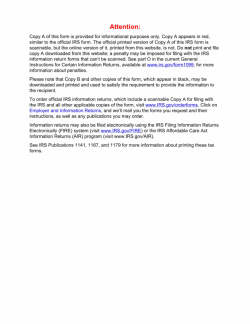
              Many 1099-MISC Forms found online use the IRS’ informational copy, with the second page printed in red. Do not use this copy for your filings or you’ll be subjected to penalties by the IRS.

              You’ll need to complete and file a 1099-MISC if:

              • You paid royalties or broker payments instead of dividends or tax-exempt interest in an amount greater than $9

              • You paid or provided more than $600 in rents, service fees to non-employees, prizes, benefits payments (healthcare, for example), cash payments for fish, attorney’s fees, or fishing boat proceeds.

              FAQ

              What is a 1099-MISC Form?

              The 1099-MISC Form is an IRS tax form used to report payments made from a company to contractors or consultants. The 1099-MISC is unique in that it must be submitted to both the IRS and the consultant or contractor receiving payment.

              Why do need a 1099-MISC form?

              • If you’re a company:If you pay a consultant or subcontractor more than $600 in a given year, you must report it to the IRS using a 1099-MISC form.

              • If you’re a consultant or contractor:You’ll use the 1099-MISC forms that your clients send you when preparing your tax return, to calculate your taxable income.

              What is Form 1099-MISC used for?

              Form 1099-MISC is called Miscellaneous Information and is intended to report certain forms of payments: rents, prizes, and awards, healthcare payments, payments to an attorney, and a few others. It is usually filed along other 1099 forms and is checked against 1040 and W-2.

              What is difference between a 1099 and 1099-MISC?

              There are two types of 1099 form: the 1099-NEC (Non-Employee Compensation) and 1099-MISC. The NEC one is intended to report money paid out to contractors. The MISC one is for miscellaneous expenses (e.g. healthcare payments, rents, royalties, and prizes).

              Who gets a 1099 tax form?

              A non-corporation taxpayer that earned more than 600 dollars (net income) from non-employment sources (e.g. contract work, dividends, interest payments, etc.) over the course of a calendar year will receive the 1099 form or forms, depending on their exact income and expenses.

              Disclaimer

              Parties other than PandaDoc may provide products, services, recommendations, or views on PandaDoc’s site (“Third Party Materials”). PandaDoc is not responsible for examining or evaluating such Third Party Materials, and does not provide any warranties relating to the Third Party Materials. Links to such Third Party Materials are for your convenience and does not constitute an endorsement of such Third Party Materials.

              Disclaimer

              Materials (e.g. templates, educational articles, blog posts and informational content), made available through PandaDoc, including via any integrations, connectors, extensions, plugins, or third-party AI platforms (e.g. ChatGPT, Claude, or similar tools) are for general information purposes only and are provided "as is." These materials do not constitute legal, regulatory, or compliance advice and should not be construed as such. It is your responsibility to ensure materials meet your specific legal requirements. Consult a qualified attorney licensed in your jurisdiction before relying on these materials. PandaDoc disclaims all warranties, express or implied, including fitness for a particular purpose or non-infringement.

              Related Business Documents

              Web Design Agreement Template

              Web Design Agreement Template

              Use this Agreement to hire a web designer to develop a website. It is designed such that the Client may describe all aspects of the website through an exhibit, which makes it flexible to use with any number of distinct projects.

              Land Lease Agreement Template

              Land Lease Agreement Template

              You can construct a written Land Lease Agreement Template between a lessor landlord and a lessee tenant using a land lease agreement template. In return for regular rental payments, the landlord gives the lessee permission to use the property for a predetermined time.

              Real Estate Business Plan Template

              Real Estate Business Plan Template

              Start off your new real estate business on the right foot by using a real estate business plan template to ensure your goals, visions, and finances are sorted.

              Home Improvement Contract Template

              Home Improvement Contract Template

              Use this home improvement contract template if you offer home additions, remodelling, or improvement services to residential clients.

              Related templates

              Appointment Request Form

              Appointment Request Form

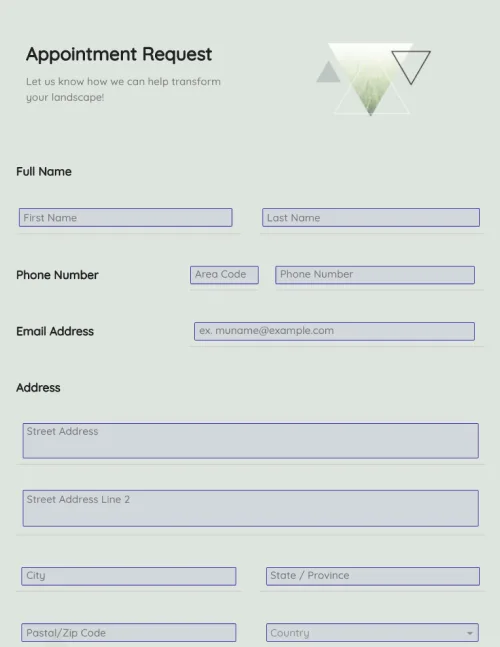
              Create appointment request forms in a few clicks. Add electronic signatures, rich media, and drag-and-drop information fields. Streamline your document workflows.

              Time Off Request Form

              Time Off Request Form

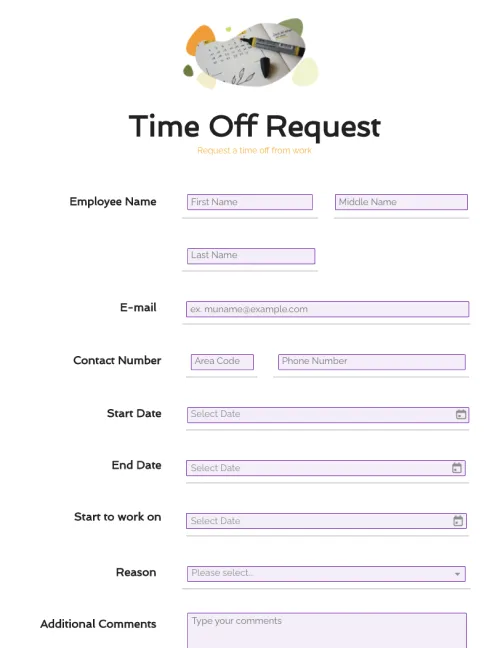
              Customize your time off request form easily with drag-and-drop form fields. Streamline employee time-off requests with complete information. Create a printable form or keep it digital.

              HIPAA Authorization Form

              HIPAA Authorization Form

              Edit HIPAA authorization forms in a single click. Customize documents with intuitive drag-and-drop tools. Collect eSignatures and payments in real-time.

              Template - Page - SLA Cloud Computing Template

              W-9 Tax Forms

              The W9 tax forms also called the Taxpayer Identification and Certification form, is a document that employees fill out as part of their onboarding process.