Help centerLog inHelp center
Mobile Site Logo
Desktop Site Logo
    • Platform

      • Product overview
      • Contract Management
      • CPQ
      • Enterprise
    • Features

      • Image - Document generation - Icon
        Document generationAutomate document creation with customizable templates
      • Image - Payments - Icon
        PaymentsGenerate error-free quotes
tailored for every buyer
      • Image - Deal room - Icon
        Deal RoomsCollaborate and close deals in one personalized deal room
      • Image - Smart content - Icon
        Smart contentAdapt documents to the recipient's requirements
      • All features
    •  

      • automation icon
        Workflow AutomationsStreamline your workflow and reduce manual tasks
      • Approval workflow
        Approval workflowSimplify internal sign-offs before document delivery
      • Workspaces
        WorkspacesDistribute content across teams and departments
      • Tracking & analytics
        Tracking & analyticsGet insights into how users interact with your document
      • All features
    • Request a demo
    • Contact sales
    Product (Dropdown) - Featured Image
    Compare
    • vs DocuSign
    • vs Dropbox Sign
    • vs Adobe Sign
    • vs Proposify
    • View more
    • Image - Use case - Icon

      Use case

      • eSignatures
      • Proposals
      • Contracts
      • Quotes
      • Payments
      • All use cases
    • Image - Industry - Icon

      Industry

      • Software & technology
      • Professional services
      • Education
      • Healthcare
      • Construction
      • All industries
    • Image - Team - Icon

      Team

      • Sales
      • HR
      • Marketing
      • Customer success
      • Legal
      • All teams
    • Request a demo
    • Contact sales
    Customer stories
    • Image - Solution dropdown - Autodesk
      Autodesk now tracks sales metrics across its entire org
    • Image - Solution dropdown - Nomad
      Nomad cut customer acquisition costs by 20%
    • Image - Solution dropdown - TheKey
      TheKey saves 3,000 hours per year using PandaDoc
    • All customer stories
    • Sales and CRM

      • Hubspot
        Hubspot
      • Salesforce
      • pipedrive
        Pipedrive
      • monday.com
        Monday
    • Payment gateways

      • Square Logo
        Square
      • Stripe
        Stripe
      • Authorize Logo
        Authorize.net
      • Paypal Logo
        PayPal
      • QuickBooks
        QuickBooks Payments
      • FreshBooks Logo
        FreshBooks
    • Collaboration and more

      • Zapier
      • Greenhouse
        Greenhouse
      • QuickBooks
        QuickBooks
      • Slack Logo
        Slack
      • All integrations
    • API
    • Documentation
    Integration (Dropdown) - Featured Image
    CPQ Solutions
    • pipedrive
      Pipedrive CPQ
    • Hubspot
      Hubspot CPQ
    • Salesforce CPQ
      Salesforce CPQ
    • Image - Learn- Icon

      Learn

      • Customer stories
      • Blog
      • Templates
      • Webinars
      • Learning academy
      • Security
      • Resource library
      • AI Skills Lab
    • Image - Support - Icon

      Support

      • Help center
      • Contact us
      • Onboarding services
      • Professional services
      • Premium support
      • Partner Directory
    • Image - Developers - Icon

      Developers

      • API
      • Document embedding
      • Documentation
    • Request a demo
    • Contact sales
    Resources (Dropdown) - Featured Image
    Security & Compliance
    • Signature certificate
    • Two-factor authentication
    • HIPAA compliance
    • View more
  • API
  • Pricing
Request a demoStart a trialContact Sales
Product
  • Pricing
  • Integrations
  • Features
  • Updates
  • Security
  • HIPAA
Use cases
  • Proposals
  • eSignatures
  • Quotes
  • Contracts
  • Payments
  • Forms
  • Notary
  • API
  • CPQ
  • Deal Rooms
  • All use cases
Resources
  • Help center
  • Templates
  • Blog
  • Electronic signature law
  • How to guides
  • Developer center
  • System status
  • Onboarding services
  • Partner Directory
  • Recipes
  • AI Skills Lab
Compare
  • vs DocuSign
  • vs Dropbox Sign
  • vs Adobe Sign
  • vs Proposify
  • vs Docsend
  • All alternatives
Company
  • About us
  • Culture
  • Careers
  • Stand with Ukraine
  • Become a partner
  • Press
  • Contact us
  • Marketing Preferences

© 2026 PandaDoc Inc. All rights reserved.

Privacy Notice
    Legal
        Accessibility Statement
          Do Not Sell My Personal Information
            AI Information
              • LinkedIn
              • Facebook
              • X

              ‌What is a site safety inspection report?

              A site safety inspection report is a list that covers all common hazards and whether mitigating precautions are being taken.

              The site safety inspection report is a checklist that gives inspectors a roster of spots or issues to look for as they go through the site. One line might be “Are all workers wearing hard hats? Y/N.”

              The inspection report can then be used to see what places are problems from day to day, and what areas are improving.

              Who should complete a site safety inspection report?

              Everyone responsible for safety and security on the site should complete site safety inspection reports. Foremen and shift supervisors might only complete reports for their specific areas.

              Site supervisors and safety officers should be walking the site regularly to look for hazards and violations before any official inspection occurs.

              Once these reports are collected, the foreman or contractor should perform their own inspection. These reports can also be tabulated into a master report to see how hazards or violations are improving over time.

              What should a site safety inspection report include?

              All construction sites are different, so your construction site safety inspection report should reflect what’s going on at your job site.

              But there are some things your checklist should include:‌

              • Fire safety: Fire extinguishers should have current tags and be readily available. Chemicals should be properly stored. Enclosed spaces should have exhaust fans and signage.

              • ‌Personal protective equipment: All employees should have PPE as required by law, and be using it. Eye protection should be worn properly in all areas. Hearing protection should be worn where required. Eyewashes must be available where needed.

              • ‌Power tools: All power tools with electrical cords should be grounded and the cords covered. Compressors should be ventilated and the area around them clear. Employees using them should be trained in their use.

              • ‌Ladders and scaffolds: Ladders should be properly secured and extend past the edge of the floor or roof. Scaffolds should extend the regulated length past the structure. Extension ladders should be locked and fall protection used.

              Who will see the site safety inspection report?

              The site safety inspection report will be seen by regulators and officials from county and state offices like the Occupational Safety and Health Administration (OSHA).

              The report will also be used by the board to determine what areas of a project need more or less attention in upcoming budgets.

              Compliance officers will use the reports to ensure that the project is adhering to safety laws.‌

              ‌

              FAQ

              Can the information be applied to different site safety inspection reports?

              Yes. Once the template is developed, it can be reused and the information transferred between documents. There’s no need to “reinvent the wheel” every time you need a new checklist or report.

              Simply pull out the data you need from the old report and put it into your new form. PandaDoc streamlines data entry and template design to make maintenance of your forms and reports easier than paper filing.

              What are the benefits of a PandaDoc template for a site safety inspection report?

              Forms can be found at state or county agencies, but they will include every possible item that can be checked off and every regulation that might need to be reviewed.

              This can lead to wasted time and effort while you skip over items not needed at your site.

              Having a database of options that can be updated as needed gives you the flexibility to create inspection reports for each site without missing any important details.

              Can a template be used to create a site safety inspection report?

              Not only can a template be used for a safety inspection report, but it can also be updated and changed as needed.

              Because you will be using this report every day, and at a number of different sites, a template that contains most of the information will save you hours of repeating the same work over and over again.

              What should be included in a formal inspection report?

              A site safety report should typically include details such as the name of the project and the person conducting the report, date and address, current hazards faced, contact details, and date and time to conduct the inspection. Some safety reports may ask you to present more information on potential hazards.

              Disclaimer

              Materials (e.g. templates, educational articles, blog posts and informational content), made available through PandaDoc, including via any integrations, connectors, extensions, plugins, or third-party AI platforms (e.g. ChatGPT, Claude, or similar tools) are for general information purposes only and are provided "as is." These materials do not constitute legal, regulatory, or compliance advice and should not be construed as such. It is your responsibility to ensure materials meet your specific legal requirements. Consult a qualified attorney licensed in your jurisdiction before relying on these materials. PandaDoc disclaims all warranties, express or implied, including fitness for a particular purpose or non-infringement.

              Related templates

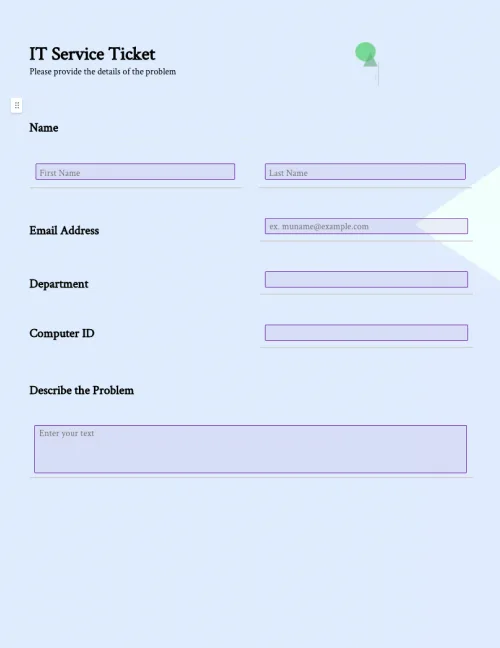
              IT Service Ticket Form

              IT Service Ticket Form

              Improve productivity and efficiency with easy-to-use IT support ticket templates. Organize IT service requests from customers for timely responses.

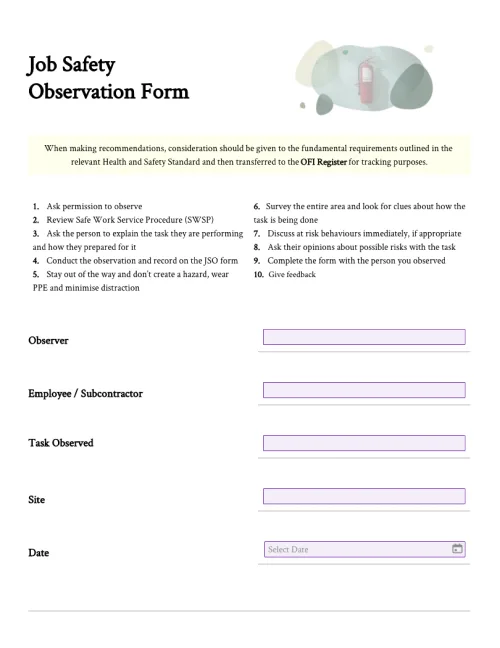
              Job Safety Observation Form

              Job Safety Observation Form

              Easily customize job safety observation forms to increase inspection efficiency. Complete observations in the workplace with PandaDoc's easy-to-use mobile app to improve workplace safety.

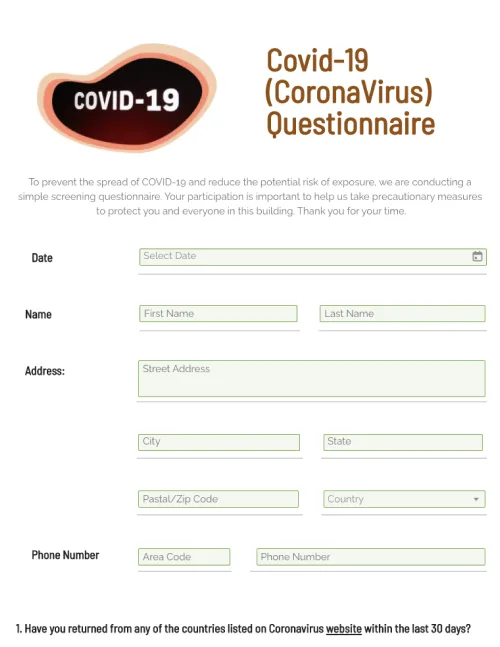
              COVID-19 Questionnaire

              COVID-19 Questionnaire

              Customize your COVID-19 Questionnaire. Record, and store important information online. Easily access data from any device.

              Clinical Trial Agreement Template

              Clinical Trial Agreement Template

              Finding sponsors for your clinical trial can be a tedious process. This clinical trial agreement template makes that process easier by streamlining the process of creating a contract between a sponsor and institution.

              TemplatesForms

              Site Safety Inspection Report Forms

              Create site safety inspection forms, site report forms, and inspection checklists. Customize reports for each site and location, and update as necessary.

              Use this template

              No credit card required

              Site Safety Inspection Report Forms